3-16 Micron Electronics, Inc.
Micron ClientPro 766Xi/Xe User’s Guide
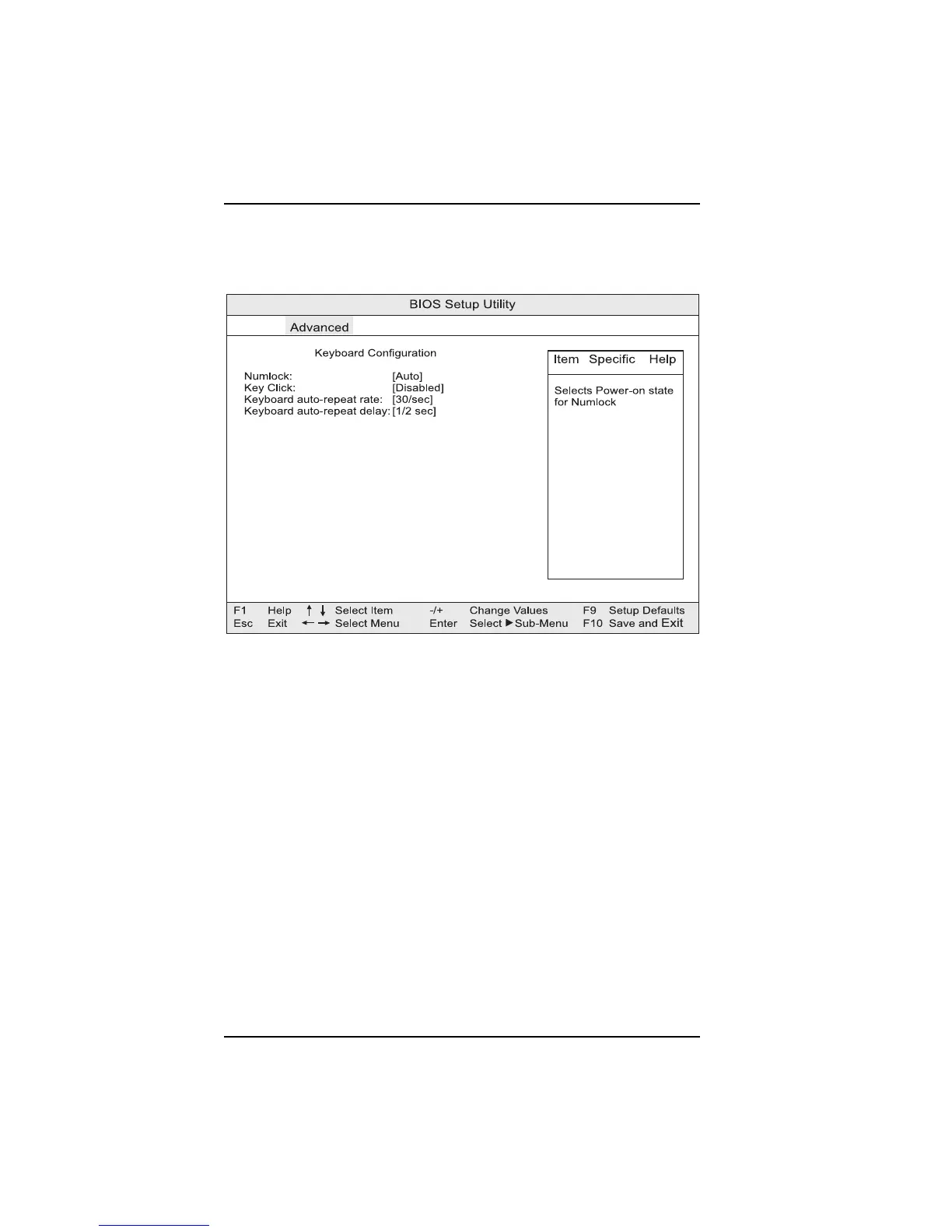
Keyboard Configuration Submenu
This section describes the setup options for the Keyboard Features submenu.
Figure 3-10. Keyboard Configuration submenu
Numlock
Specifies the power-on state of the Numlock feature on the numeric keypad.
Key Click
Enables or disables the key click option.
Keyboard auto-repeat rate
Selects the key repeat rate, from 30 per second to 2 per second.
Keyboard auto repeat delay
Selects the amount of time before the key will repeat, from 1/4 of a second to
1 second.



 To Next Page