Micron Electronics, Inc. 3-9
Chapter 3: The BIOS Setup Program
Setting the CMOS Advanced Screen
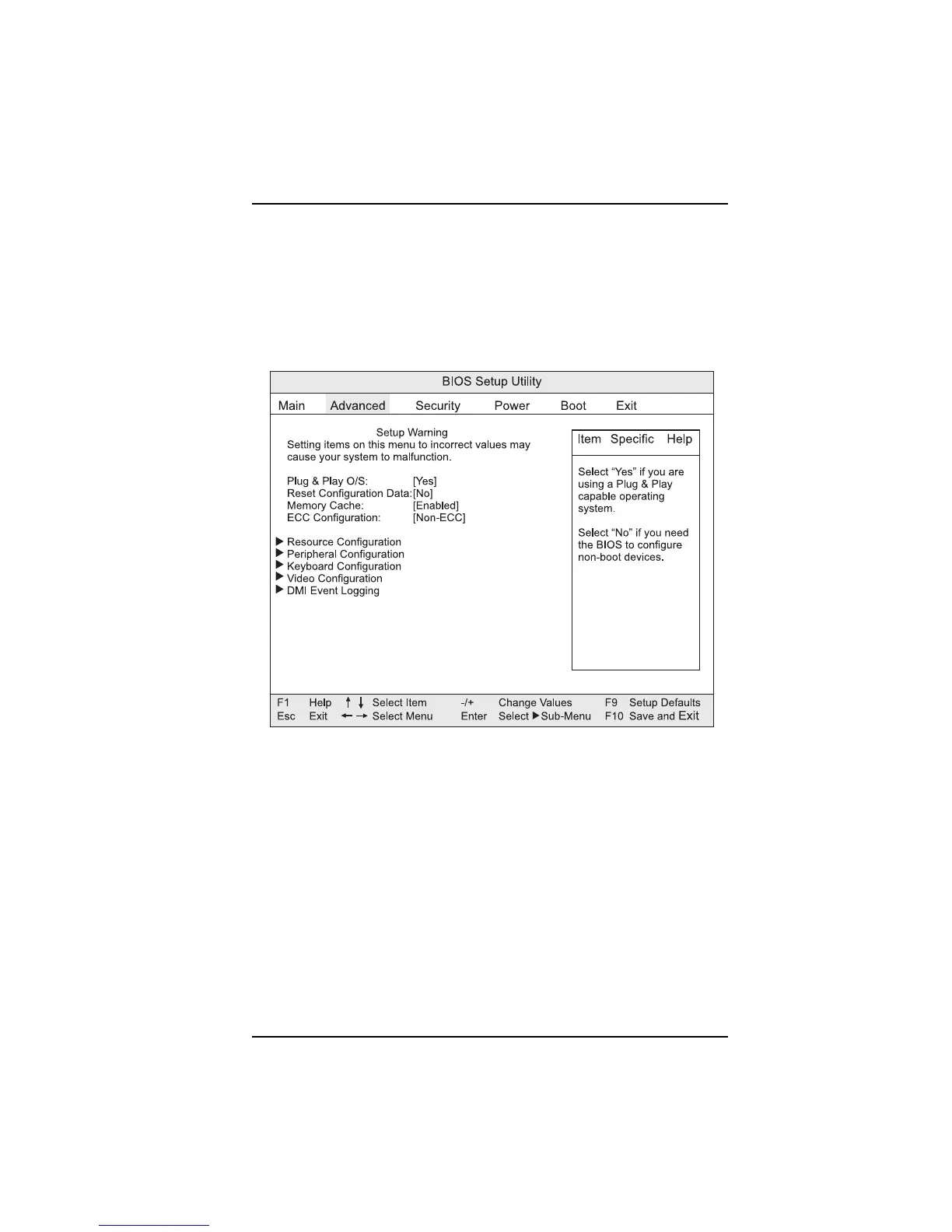
The CMOS Advanced Screen (Figure 3-5) is used to set the advanced features
that are available through the chipset. If you select certain options from the
Advanced screen (such as Peripheral Configuration), the Setup program
switches to a subscreen for the selected option. Subscreens are described in
the sections following the description of the Advanced screen options
Figure 3-5. Advanced Screen
Plug & Play O/S
Specifies if a Plug and Play operating system is being used. Selecting “No”
lets the BIOS configure all the devices. The “Yes” option lets the operating
system configure Plug and Play devices.
Reset Configuration Data
Clears the BIOS configuration data on the next boot.
Memory Cache
Enables or disables the memory cache.



 To Next Page