Micron Electronics, Inc. B-1
Appendix B: POST and BOOT Messages
POST and Boot Messages
POST (Power On Self Test) has two kinds of messages; those messages are the
Error message and the Informational message. The following tables list these
messages, their causes, and their solutions.
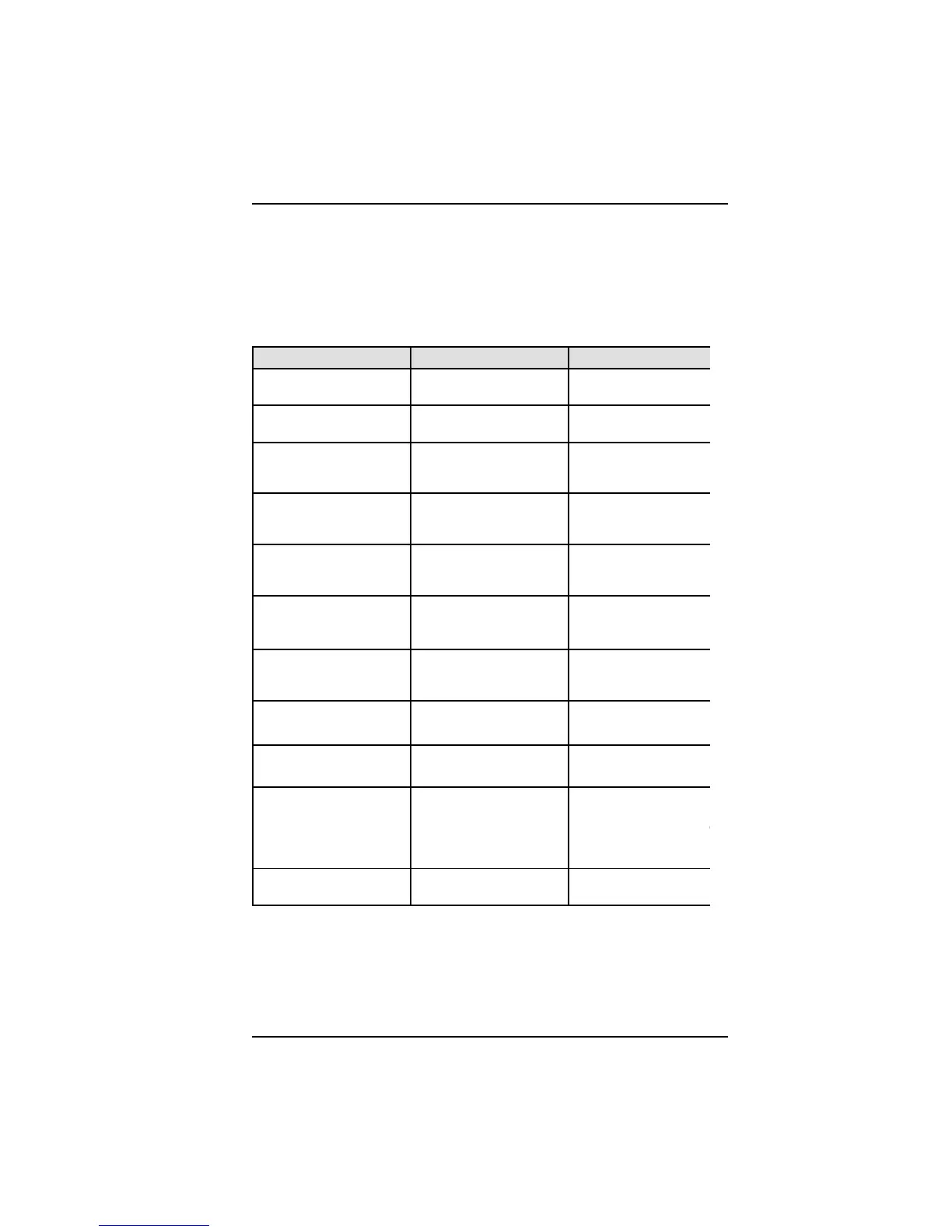
MESSAGE POSSIBLE CAUSE SOLUTION
Diskette Drive A Failure Drive A failed or is
missing.
Check Setup and cable
connections.
Diskette Drive B Failure Drive B failed or is
missing.
Check Setup and cable
connections.
Extended Ram Failed at
Offset: nnnn
Extended memory not
working or configured
properly.
Replace defective
memory.
Failing Bits: nnnn Memory failure in System
Extended or Shadow
memory.
Replace defective
memory.
Fixed Disk X Failure
(where X=0 or 1)
The hard disk is not
configured or not working
properly.
Rerun SETUP and chec
connections or replace
hard disk.
Fixed Disk Controller
Failure
The controller has failed. Check configuration and
connections or replace
system board.
Incorrect Drive A Type Floppy drive A: not set
correctly in Setup.
Run Setup.
Incorrect Drive B Type Floppy drive B: not set
correctly in Setup.
Run Setup.
Invalid NVRAM NVRAM chip is bad. Requires replacement of
system board.
Keyboard Error, Keyboard
Controller Error or
Keyboard Error: nn
The keyboard or keyboard
controller failed. A key is
jammed or was held down
during boot.
Check connections. You
may have to replace the
keyboard or system boar
Make sure keys are not
jammed or dirty.
Keyboard Locked Keyswitch on the front of
the case is locked.
Unlock the keyswitch.
Table B-1. Post and Boot Messages



 To Next Page