1-6 MS-4 Imager User’s Manual
Select Model
Step 5 — Select Model
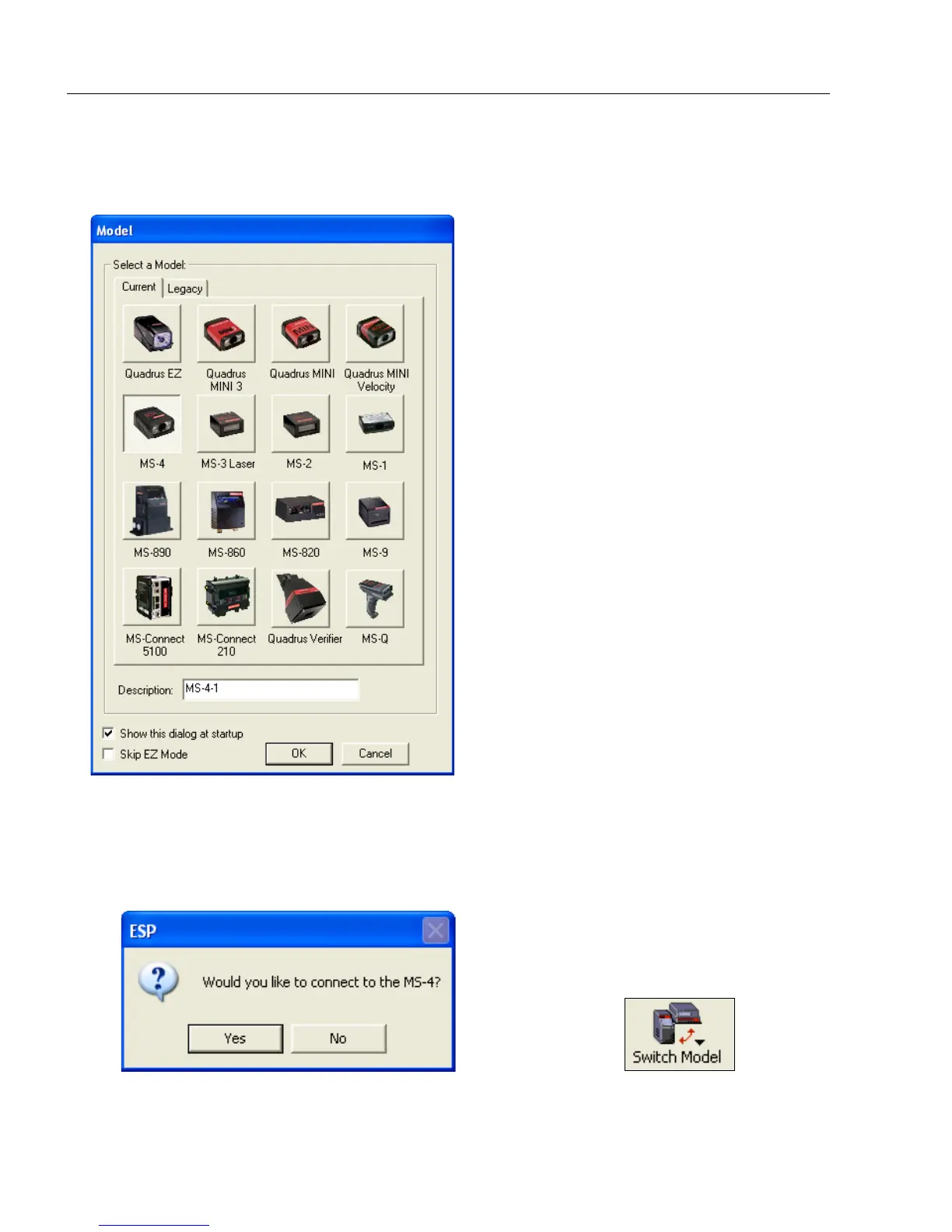
When you start ESP, the following menu will appear:
1. Click the MS-4 button and then click OK. If you do not want to make this selection
every time you start ESP, uncheck “Show this window at Startup”.
2. Select the default reader name (MS-4-1), or type a name of your choice in the
Description text field and click OK.
3. Click Yes when this dialog appears:
Note: If you need to select another reader model later, click the Switch Model button
near the top of the screen.



 To Next Page