10-26 MS-4 Imager User’s Manual
Hollow Mode
Hollow Mode
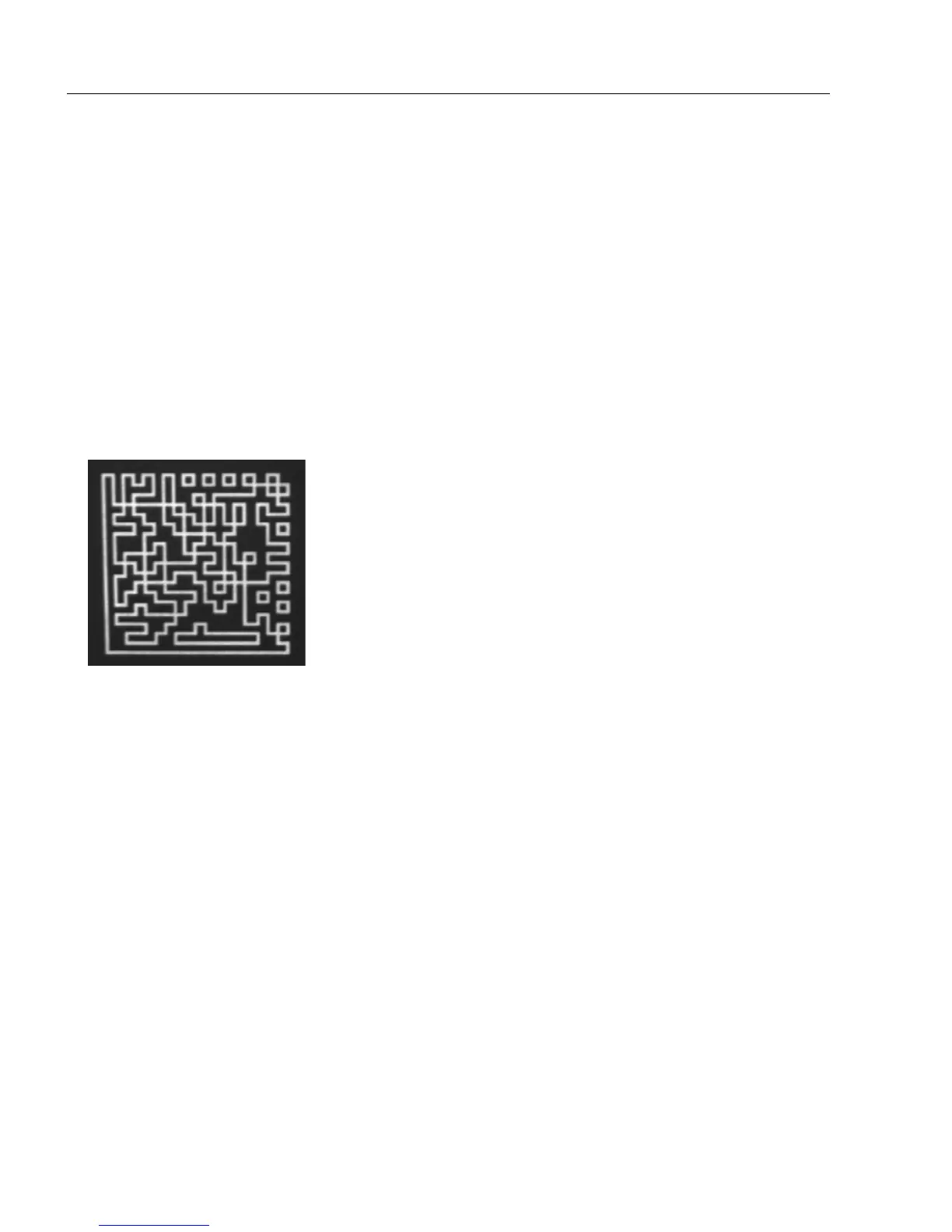
The image below is an example of a data matrix symbol with hollow elements.
Usage: Used to determine which kind of data matrix elements will be processed.
Definition: When set to Regular Elements, the Imager will decode data matrix
symbols with solid elements but will not decode data matrix symbols with
hollow elements. When set to Hollow Elements, the Imager will decode
data matrix symbols with outlined, hollow elements but will not decode
data matrix symbols with solid elements.
Serial Cmd: <K517,hollow mode status>
Default: Regular Elements
Options: 0 = Regular Elements 1 = Hollow Elements



 To Next Page