MS-4 Imager User’s Manual 12-3
Terminal
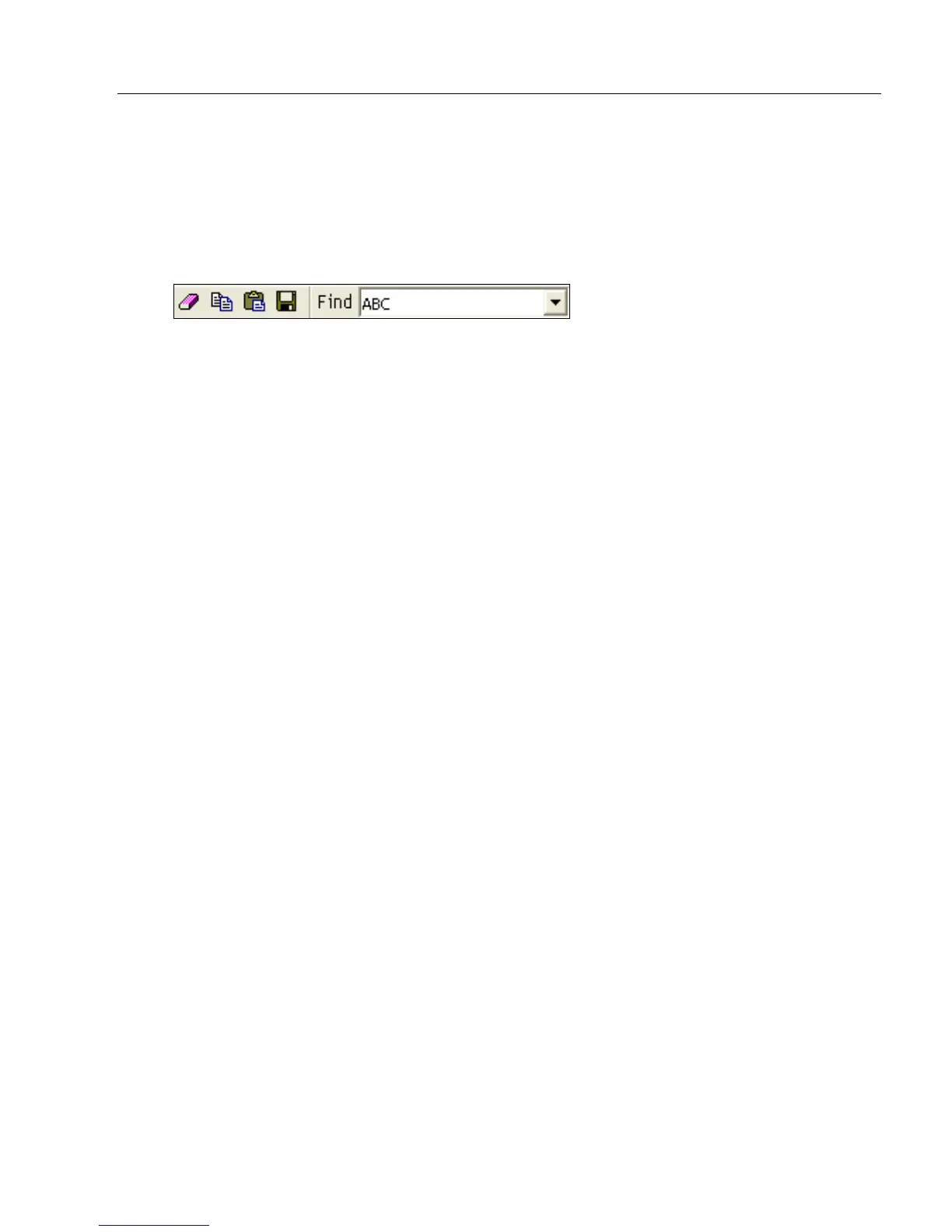
Find
The Find function allows you to enter text strings to be searched for in the Terminal window.
For example, a series of symbols have been scanned into the Terminal view and you
want to determine if a particular symbol whose data begins with “ABC” has been read.
1. Type “ABC” into the Find box.
2. Press Enter.
The first instance of “ABC” will be highlighted in the Terminal window.
3. Click the Find button to the right of the text field to locate additional instances of
“ABC”.



 To Next Page