7-50 MS-4 Imager User’s Manual
Configuring EZ Trax Output
Configuring EZ Trax Output
After you have set up your Imager for EZ Trax, you can configure the software in three
different ways: using the EZ Trax interface, using the tree controls in ESP, and using serial
commands.
For detailed information about how to use the EZ Trax user interface for configuration,
refer to the Help menu in EZ Trax software, or the EZ Trax Quick Start Guide, available
on the
Microscan Tools CD.
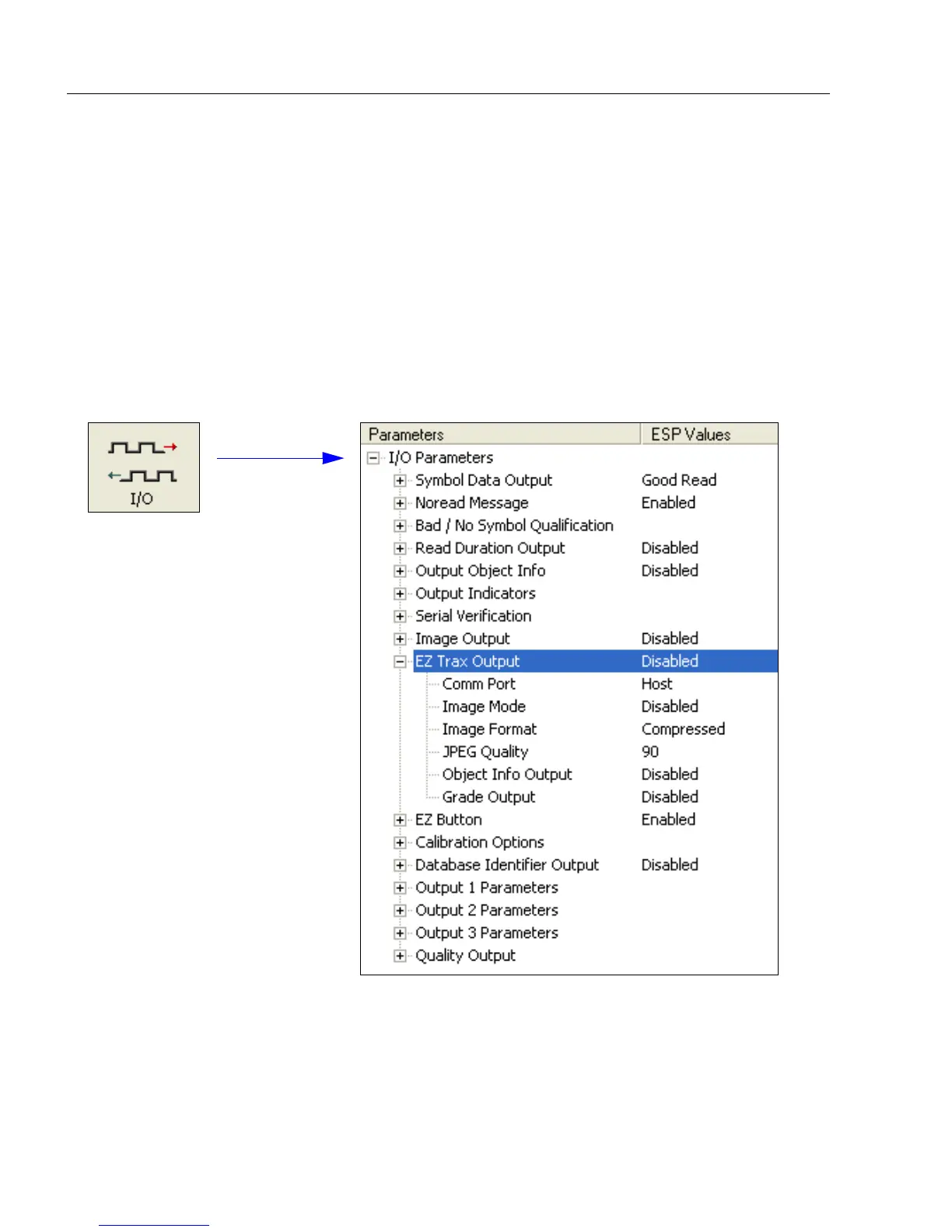
Configuring EZ Trax Output by ESP
To configure EZ Trax using ESP, first click the I/O button in App Mode to display the I/O
Parameters tree control.



 To Next Page