4-12 MS-4 Imager User’s Manual
Initiating Calibration
Initiating Calibration
Calibration can be initiated by serial command, the EZ button, or from the Calibration
interface in ESP.
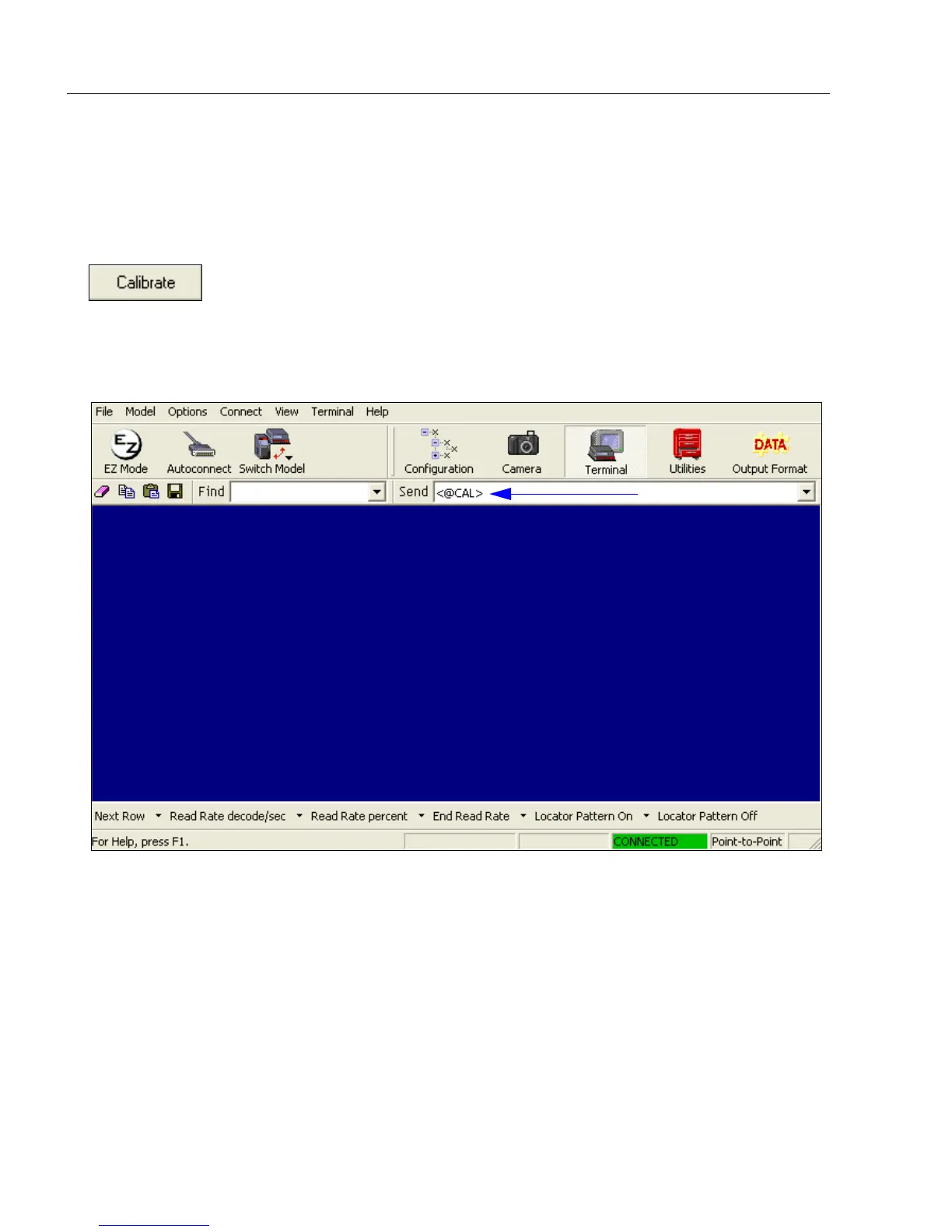
In ESP, the Calibrate button starts the calibration routine.
To initiate calibration by serial command, enter the serial command
<@CAL>
from a terminal,
such as
ESP
’s
Terminal
interface.
<@CAL>
is a calibration routine that emphasizes contrast
and readability.
See Calibrate by EZ Button on page 1-10 for the EZ button calibration procedure.



 To Next Page