MS-4 Imager User’s Manual 2-5
Using ESP
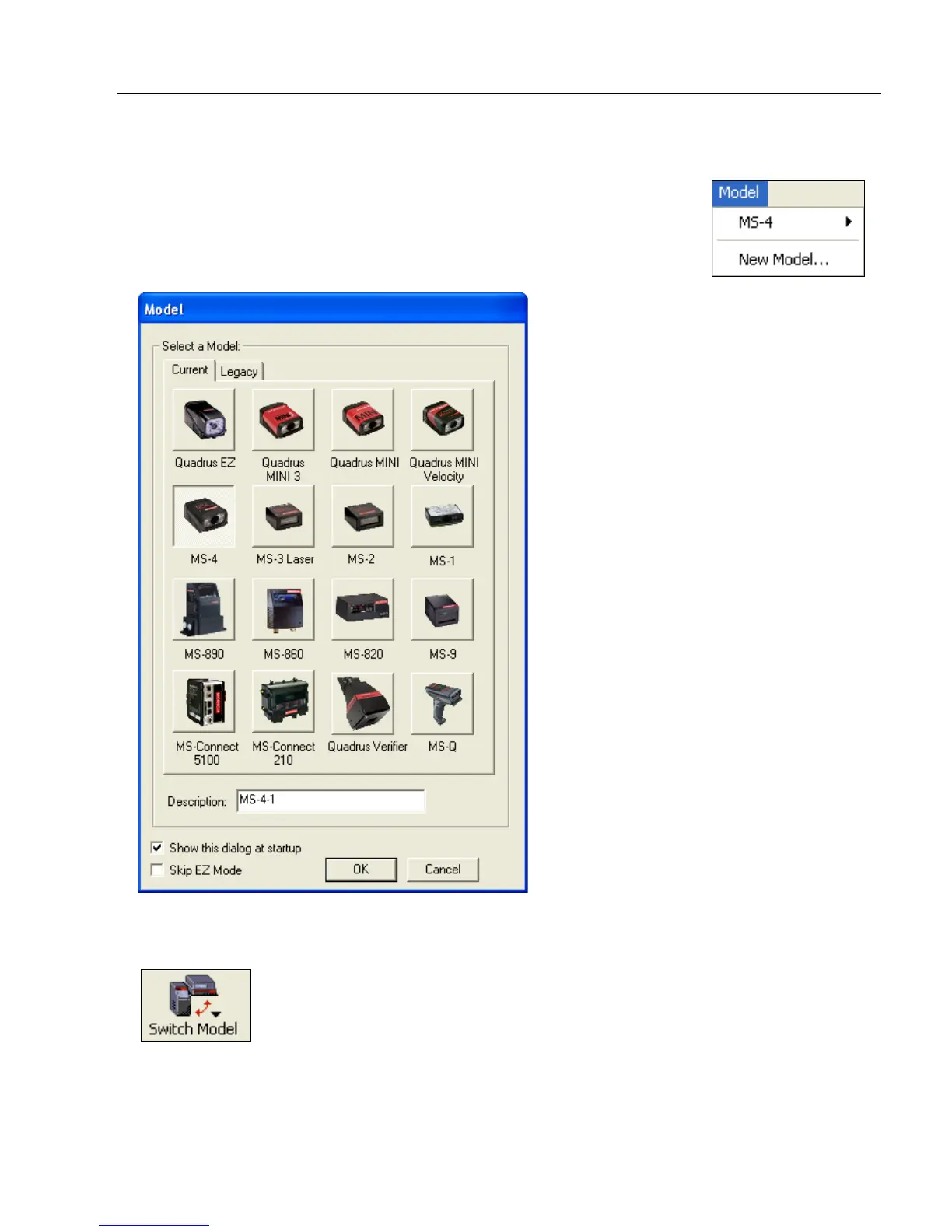
Model
In Model you can select any of the models shown in ESP’s model
menu. When you choose another model, your current connection to
your present model will be terminated.
To connect to another model, select New Model, choose a new
model from the menu, and click OK.
Note: All the models you have enabled by selecting will continue to appear in the Model
menu and that the same menu is repeated when clicking the Switch Model icon.
When you save your ESP file, you will be saving the settings of all the models defined in a
single ESP file.



 To Next Page