MS-4 Imager User’s Manual 2-9
Using ESP
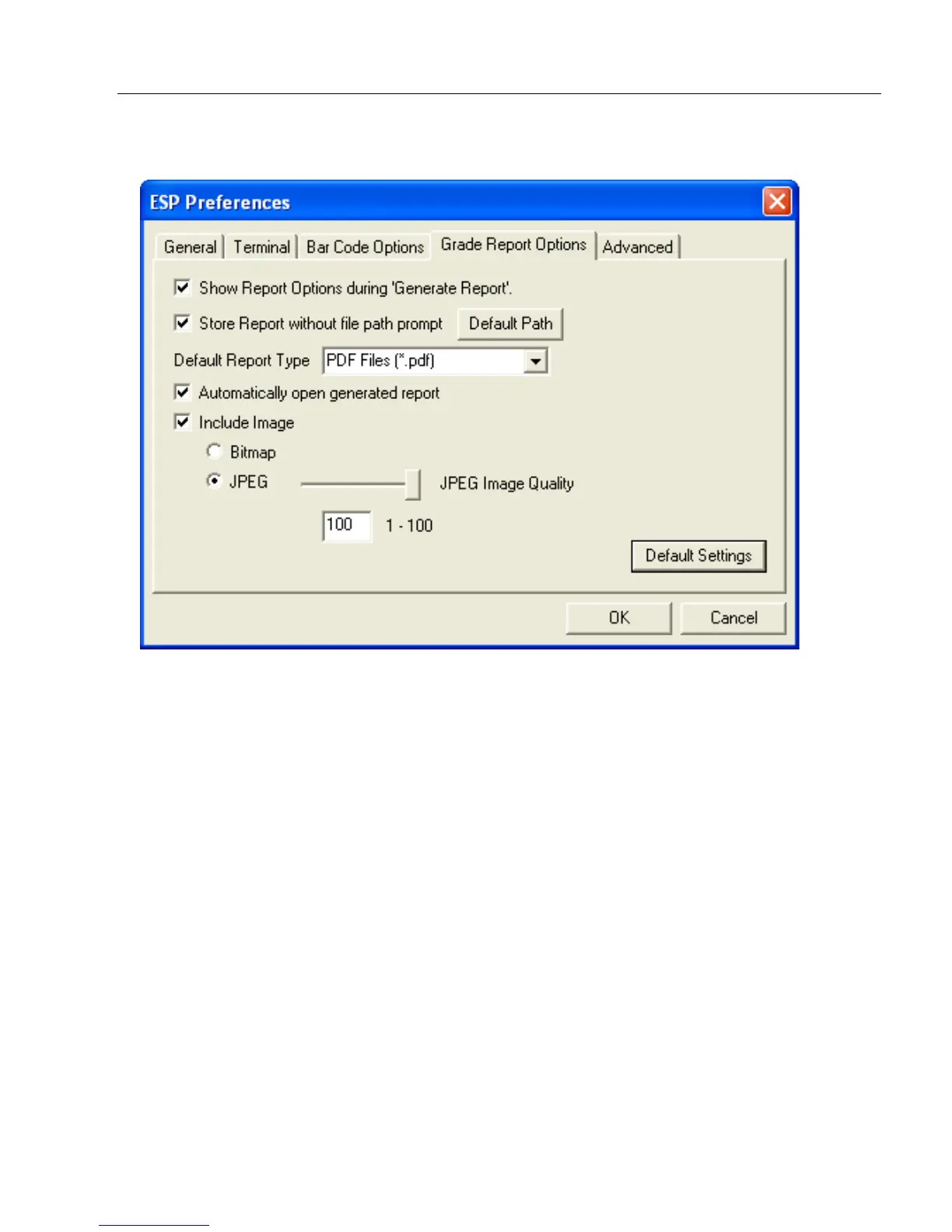
Grade Report Options Tab
Overall Grade Based On
Allows you to choose which symbol characteristics will be considered in generating a
symbol quality grade.
Use Number Grades
Allows you to switch from the default letter grades to number grades in symbol quality
report output.
Show Report Options during ‘Generate Report’
Sets the symbol quality report output to show the complete array of report options.
Include Image
Sets the symbol quality report output to include a captured image of the symbol being
analyzed. Bitmap and JPEG image formats are both available. Bitmap images, although
higher resolution, have larger file sizes and take longer to load.



 To Next Page