2-16 MS-4 Imager User’s Manual
Send/Receive Options
Defaulting
When you select Default Current Menu Settings or Default all ESP Settings, you are
only defaulting the ESP settings.
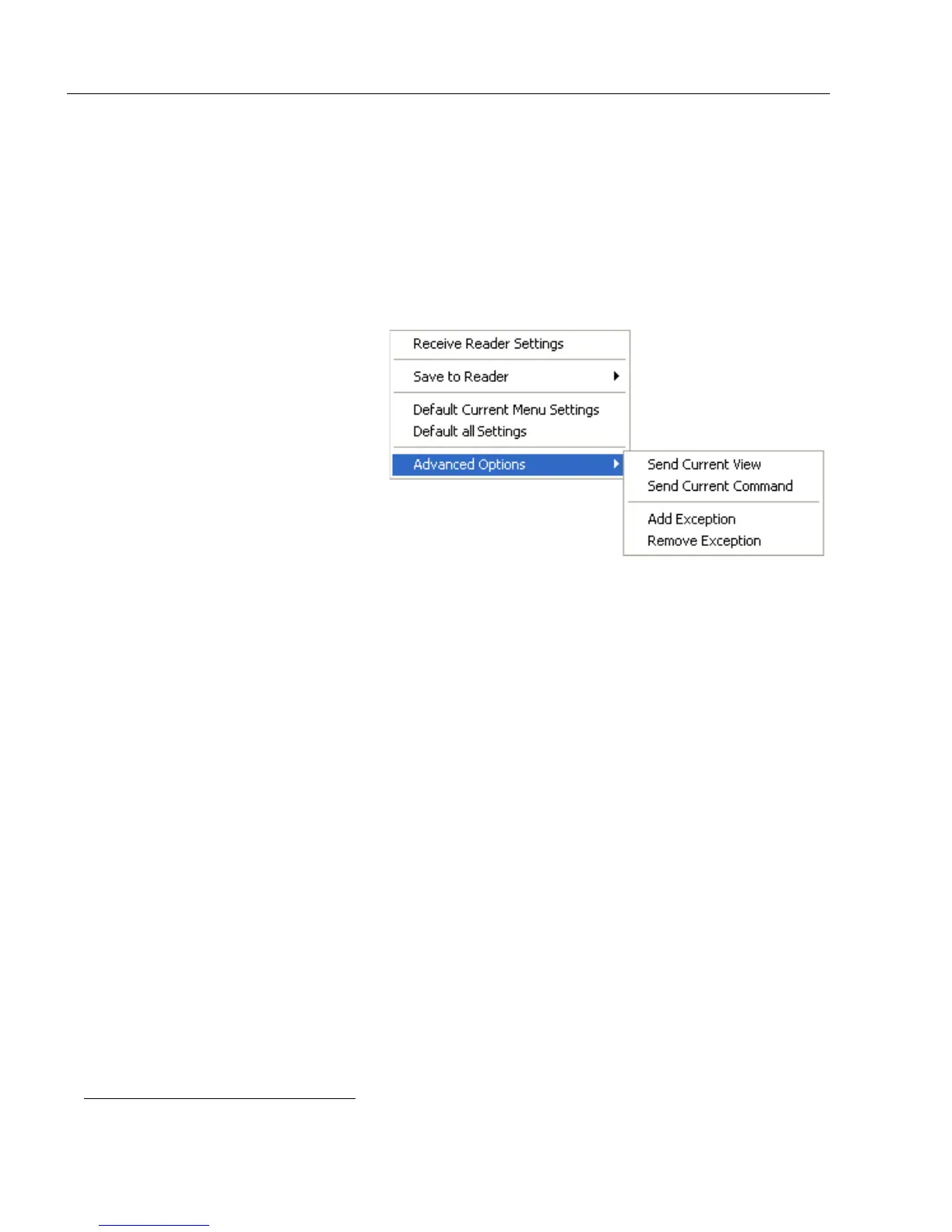
Advanced Options
Send Current View
This is the same as
Save to
Reader
>
Send No Save
except
that only the commands in the
current configuration tree are sent.
Send Current Command
This is the same as
Send Current
View
, except that it saves only
the command that is currently
selected.
Add / Remove Exception
After you perform a
Receive Reader Settings
command
1
and you click on the
Add Exception
option, you may see a list of serial commands. These are commands that may be in your
Imager’s firmware, but not included in, or different from, your current version of
ESP
.
You can edit these commands by double-clicking on them and changing them as needed.
It is important to note that these commands will be saved to your Imager whenever you
send a Save to Reader command, or an <A> or a <Z> command.
Also, if there is a corresponding ESP menu item, the ESP Value column for that item will
be blank following a Receive Reader Settings command.
1. From the Send/Recv button or by right-clicking from within the configuration trees.



 To Next Page