12 ArtixScan DI 2125c User's Manual
Initial Setup
Following the Three Easy Steps
After unpacking your scanner package, follow the steps in order for a quick and
easy installation process.
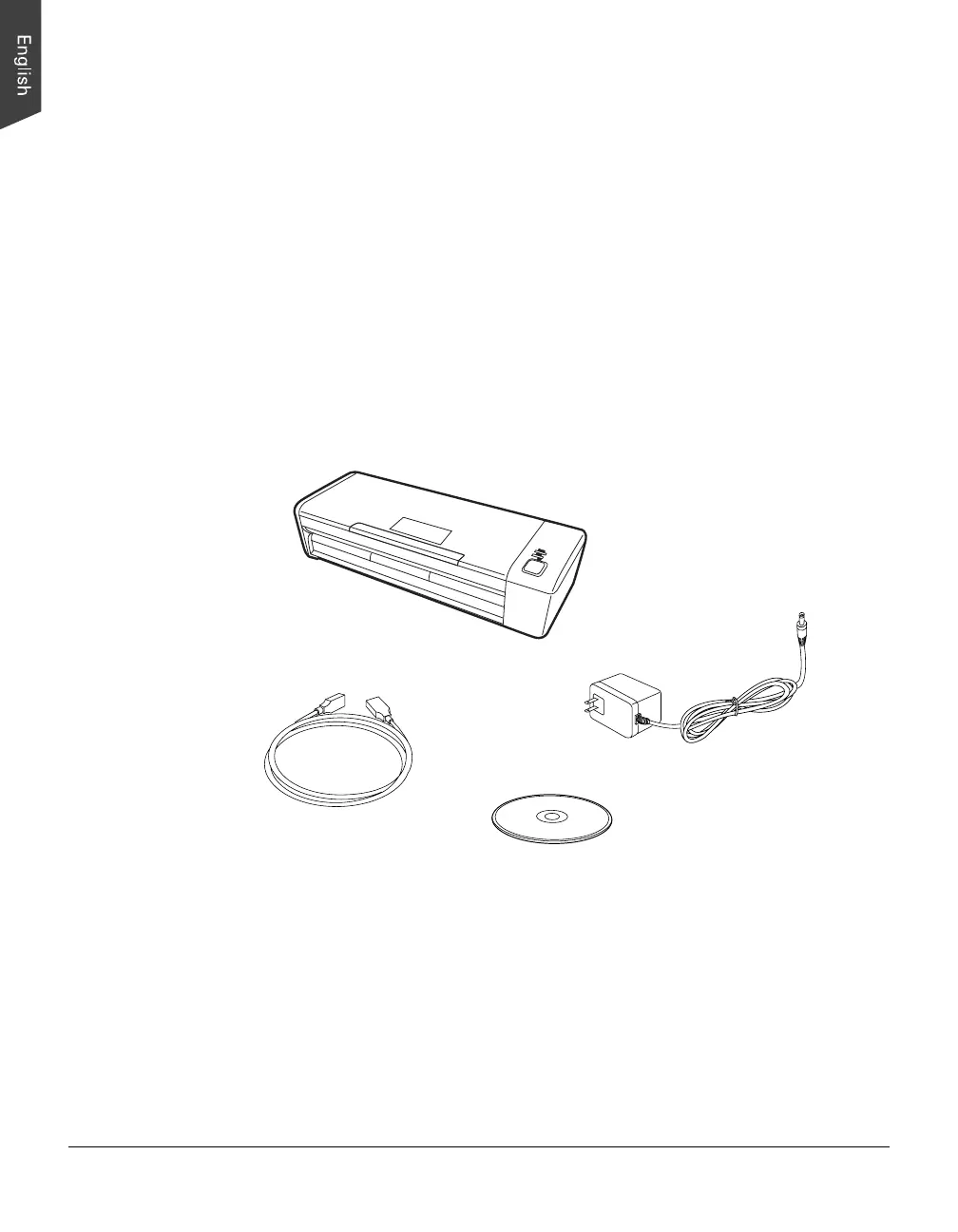
Step 1: Unpacking Package Contents
After unpacking your scanner package, please check for the major components
listed below.
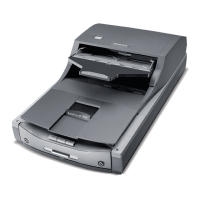
Scanner
Hi-Speed USB cable
Power adapter
Software CDs/DVDs


 To Next Page
 Loading...