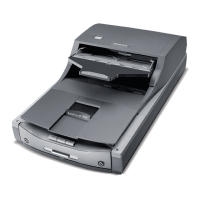
ArtixScan DI 2125c User's Manual 41
Appendix
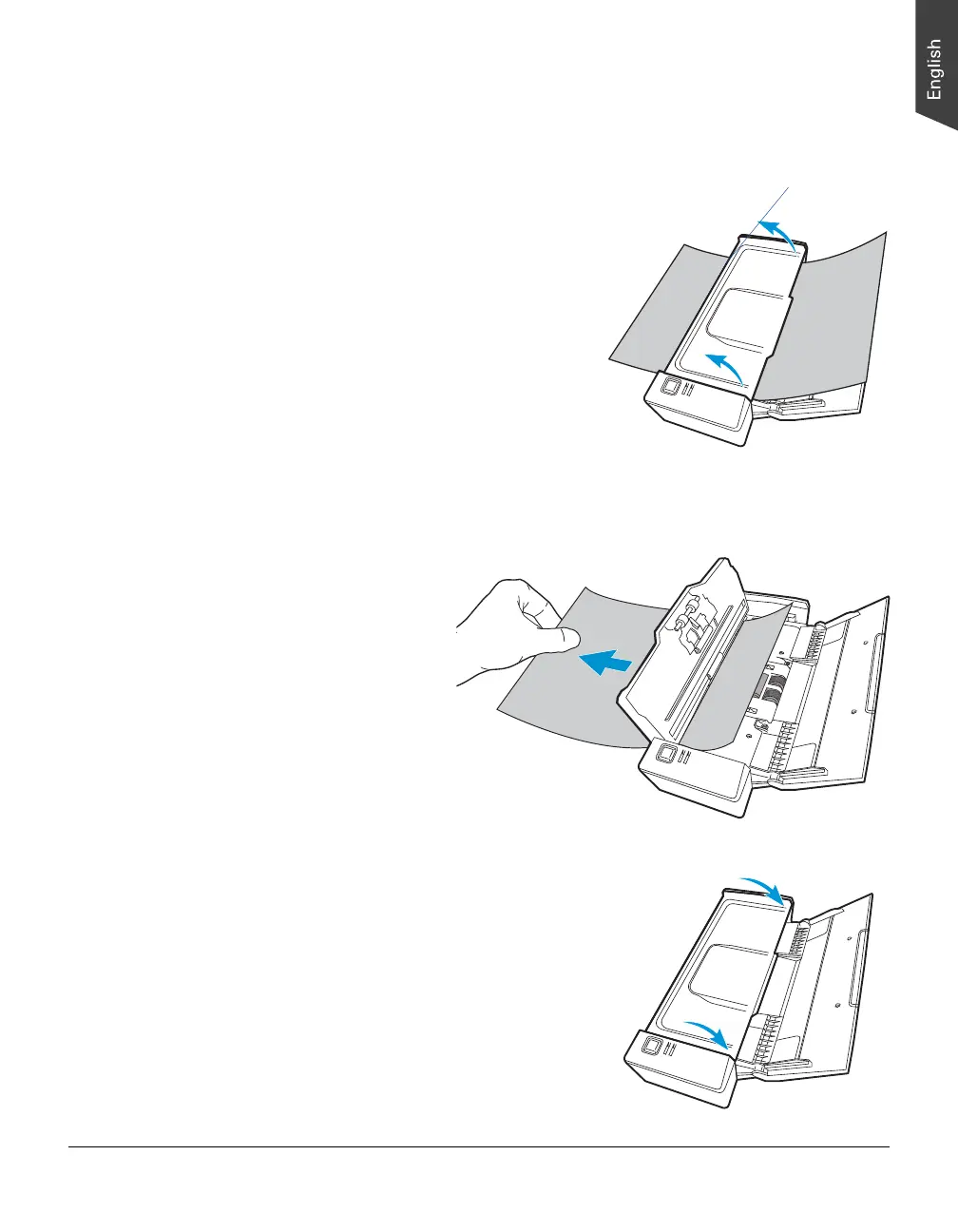
Fixing Paper Jams
1. Hold the two sides of the scanner
cover and pull up them firmly to
open the scanner cover.
2. Remove the jammed paper by pulling
out it in the ejecting direction.
3. Close the scanner cover. You would
hear a click sound when the scanner
cover returns to its original position.
Note: Do not take out a jammed paper by
force from the scanner when the scanner
cover closes. If doing so, it may damage
the rollers and cause the scanner work
improperly.
Scanner cover


 To Next Page
 Loading...