38 ArtixScan DI 2125c User's Manual
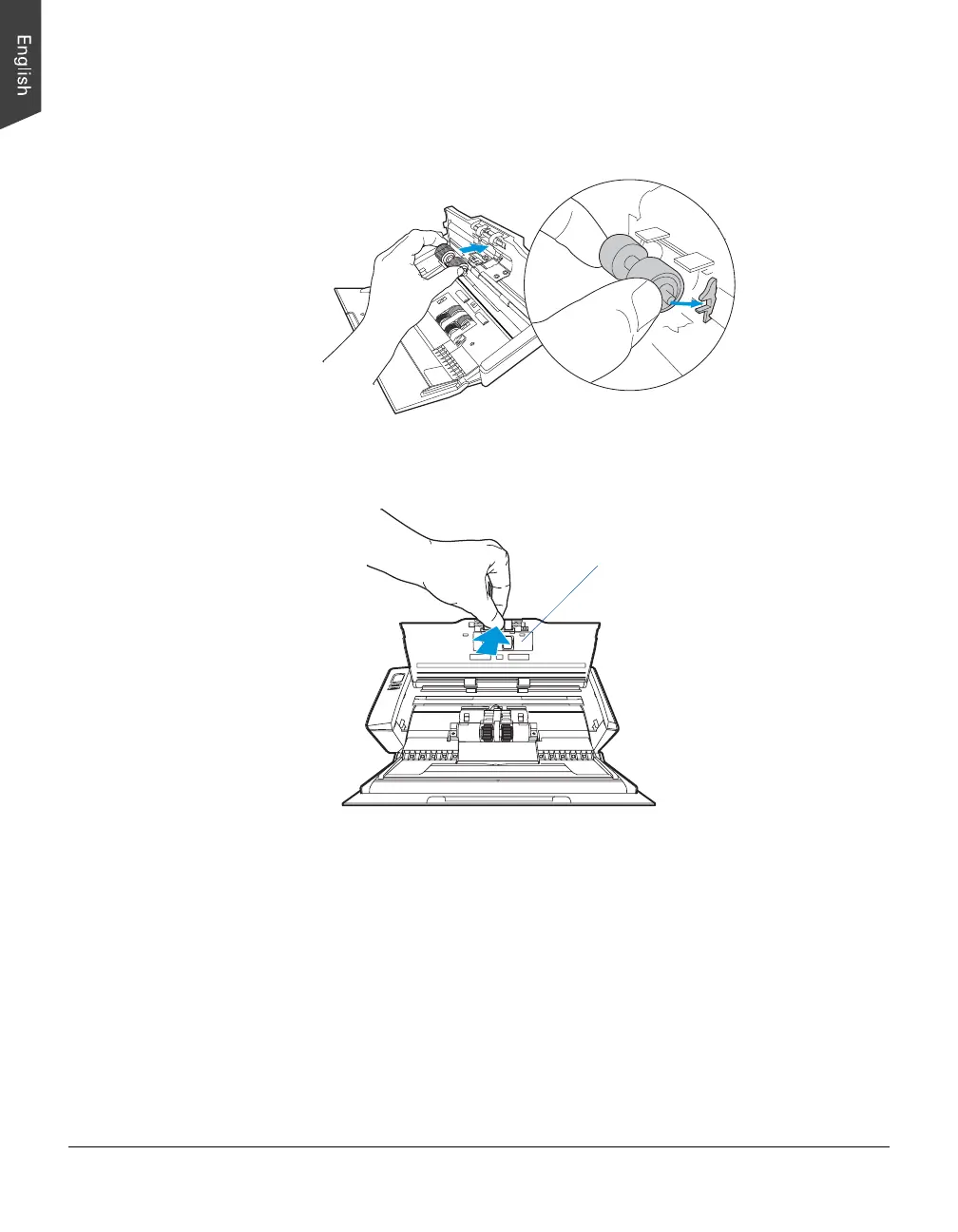
3. To insert the new Separation Roller Assembly into its compartment, insert the
axles on both sides of the rollers into the slots on both sides of the
compartment.
4. Close the roller cover completely so that it clicks into place.
Note:
• The recommended replacement point for the Separation Roller Assembly is
approximately 20,000 sheets.
• Please contact your local resellers for purchasing new Separation Roller
Assembly.
Roller cover

 To Next Page
 Loading...