COMMUNICATION
36
3
SYSTEM
36
4
PERSONALIZE
36
5
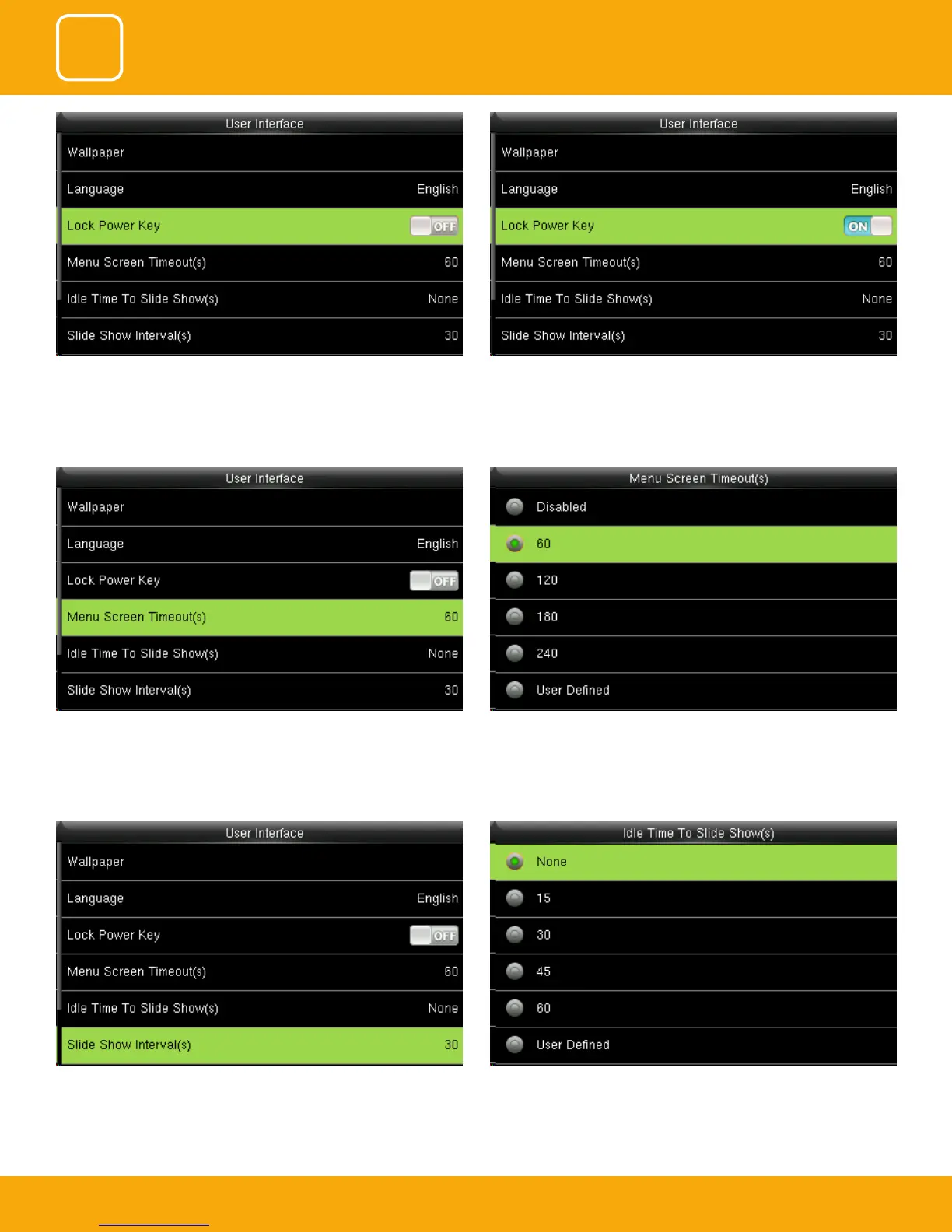
The advertisement picture is displayed when no operation is performed on
the main interface within the waiting time.
This function can be disabled; otherwise, the value ranges from 15s to 999s
The device will display the main interface automatically when no operation
is performed on a menu within the menu timeout time
This function can be disabled; otherwise, the value ranges from 60s to
99999s.
To prevent hostile power-o, select whether to lock power-o or not.
“disable”: the power is o 3 seconds after pressing power-o.
“Enable”: it is ineective after pressing power-o



 To Next Page