USER MANAGEMENT
1
7
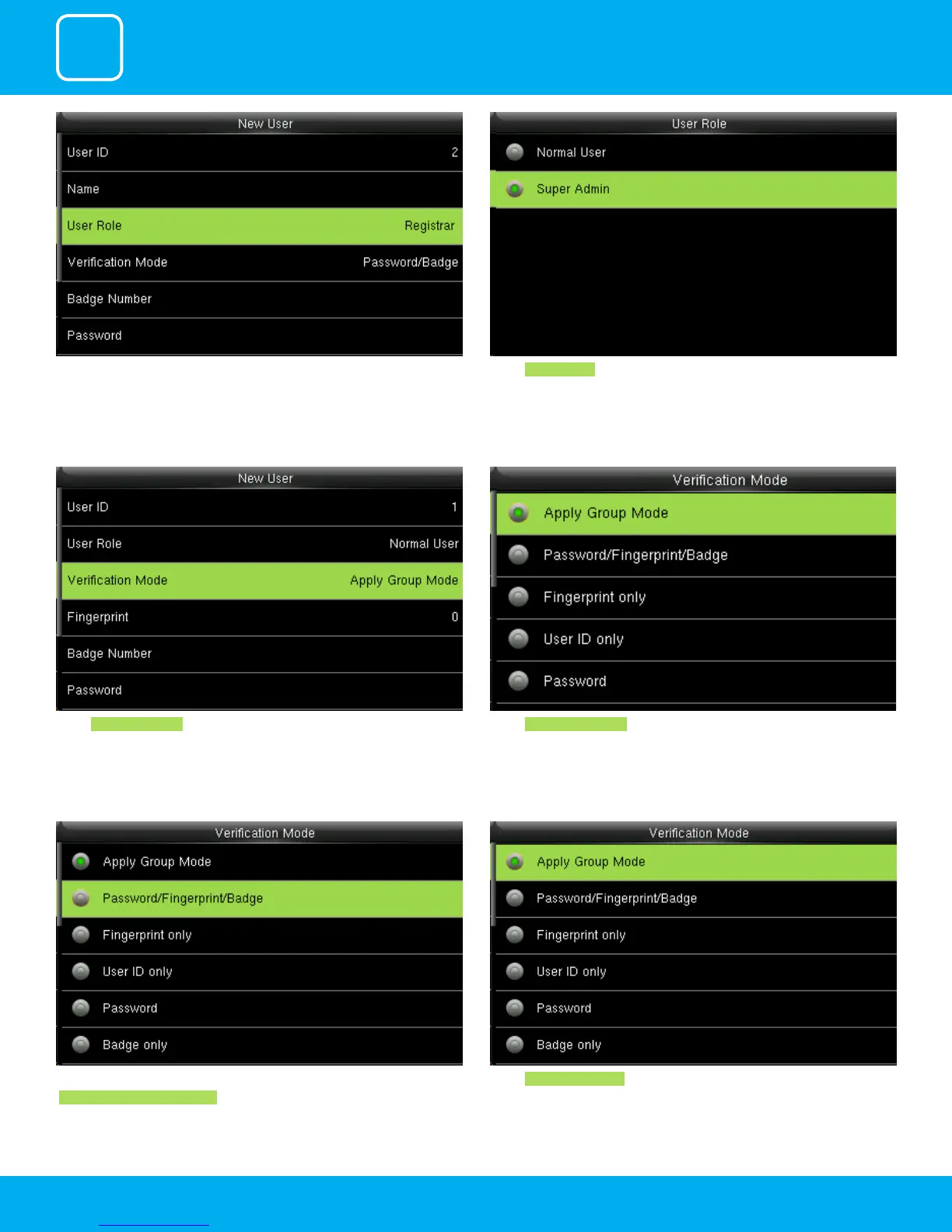
A user with “Registrar” is able to “Add”, “Delete” and “Edit” standard users to the
device.
He is also able to view “Standard Attendance Data” for existing users on the
clock.
Select Super Admin .
The super administration has rights to all the menu functions.
Select Verication Mode
Verication mode is basically used to verify the user.
Select Apply Group Mode . By pressing the apply group mode the user can
verify himself with all the options that are available in verication mode.
By clicking the option above the user can verify himself either with his/her
Fingerprint/Password or Badge .
Select Apply Group Mode .



 To Next Page