© Midmark Corporation 2016
Connecting the IQecg
®
Module
Patient Cable Installation
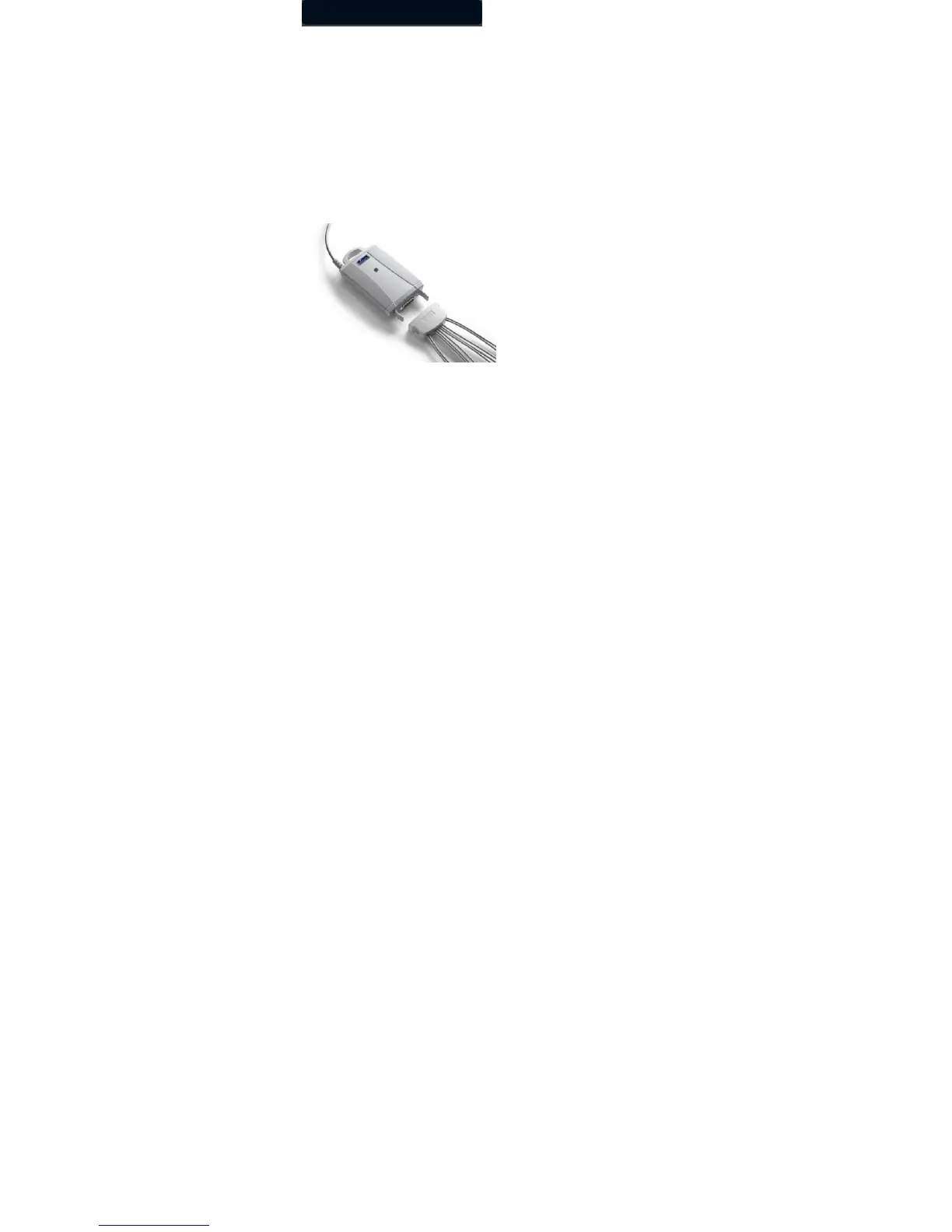
To attach the Patient Cable to the IQecg with Lead Management, hold the patient cable with the Midmark embossed logo facing the
same direction as the logo on the IQecg device.
Align the patient cable connector to the cable clip on the module and push it to ensure that the cable clip locks on both sides of the
patient cable connector. This will ensure that a secured connection between the patient cable and the IQecg device.
Figure 3
Attach a Clear ECG Clip to the banana plug of each patient lead. Continue for all 10 patient leads.
If you have a mobile cart with an equipment pole, you can hang the IQecg on the hook of the pole. Press the button on the patient
lead separator and move it all the way down to keep the leads straight between
uses.
Connecting the IQecg
®
Module
Connect the IQecg
®
module to any available USB port on the computer after IQmanager
®
is installed. As with other USB devices,
Windows will attempt to identify the IQecg
®
module the first time it connects to it. This may take a few seconds. IQecg
®
does not
require batteries as it receives its power from the computer.



 To Next Page