© Midmark Corporation 2016
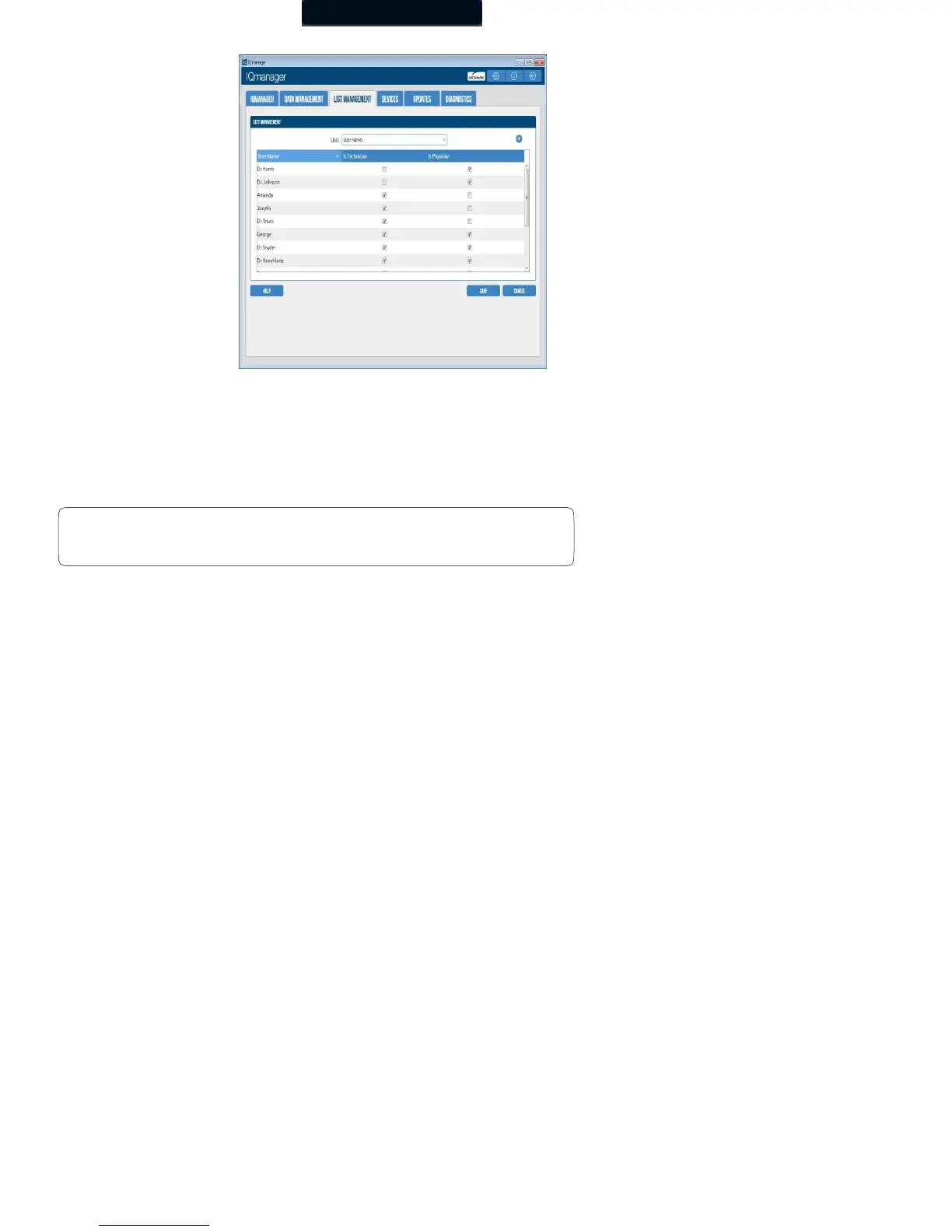
You can make the following changes:
• Add: Scroll to the bottom of the list to type the new value, or select the plus icon next to the drop- down list to jump to the
bottom of the list. After typing the value, press Enter to save the settings.
• Edit: Edit an existing item. Select the statement, and then begin typing to edit the value.
• Delete: Delete an existing item. Highlight the statement with the cursor, and then click the X button.
Delete All will delete all the ECG statements.



 To Next Page