© Midmark Corporation 2016
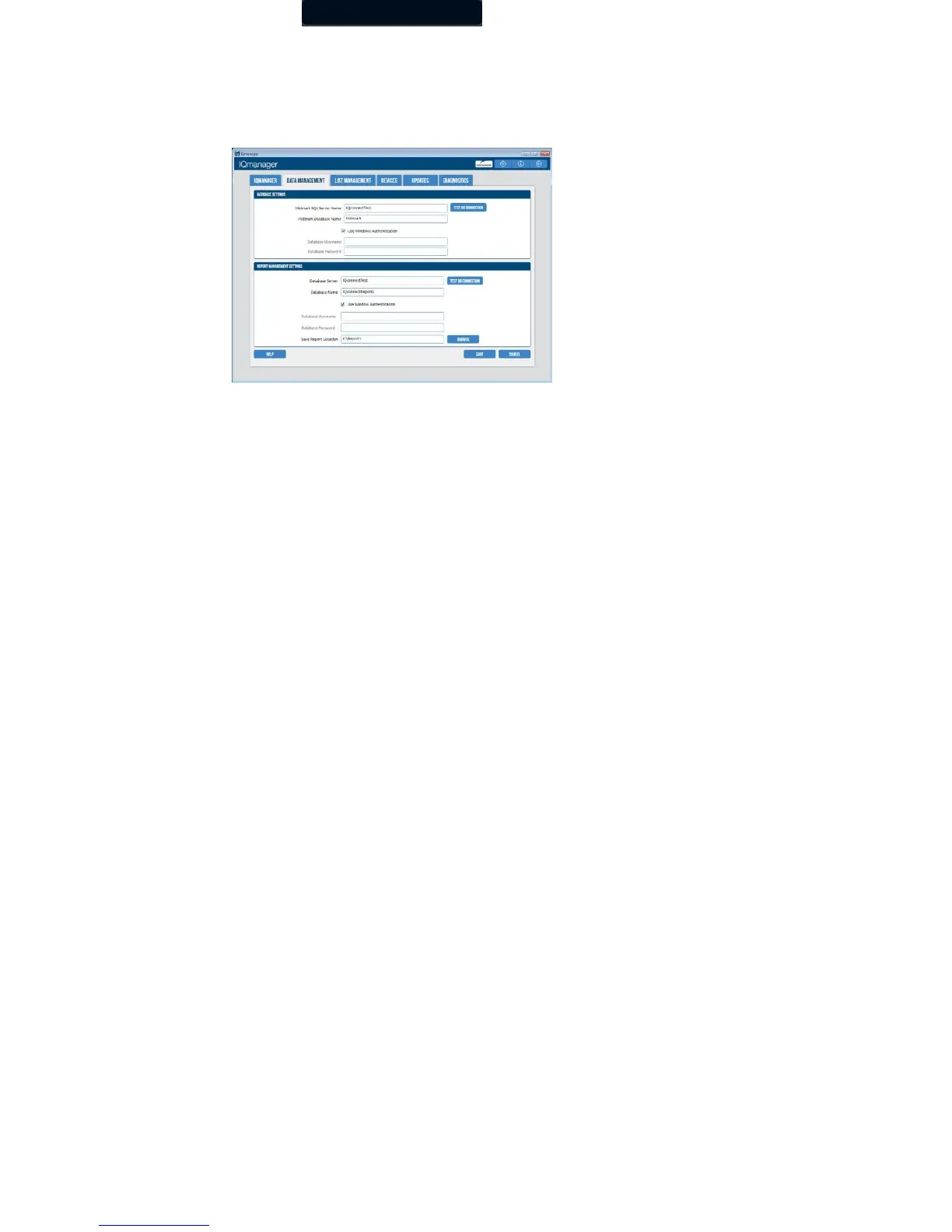
Database Settings
IQmanager
®
uses the local database by default. If you are using a network database, you can set the path by clicking Data
Management tab on the IQmanager Configuration screen and changing the value for Midmark SQL Server Name and Database
Server. For further information on the database settings, refer to the IQmanager® operation manual.
List Management
The List Management configuration option customizes the lists used in IQmanager
®
, including:
• Medications
• Indications
• Race Categories
• Health Networks
• User Names (the names of doctors and technicians can be entered here.)
Modifying these lists saves time when you are using them in the appropriate testing screens. Follow these step:
1. To access List Management, click the List Management tab in the IQmanager settings.
2. Select the item that you want to modify from the pull-down list.



 To Next Page