© Midmark Corporation 2016
Reviewing Patient Reports
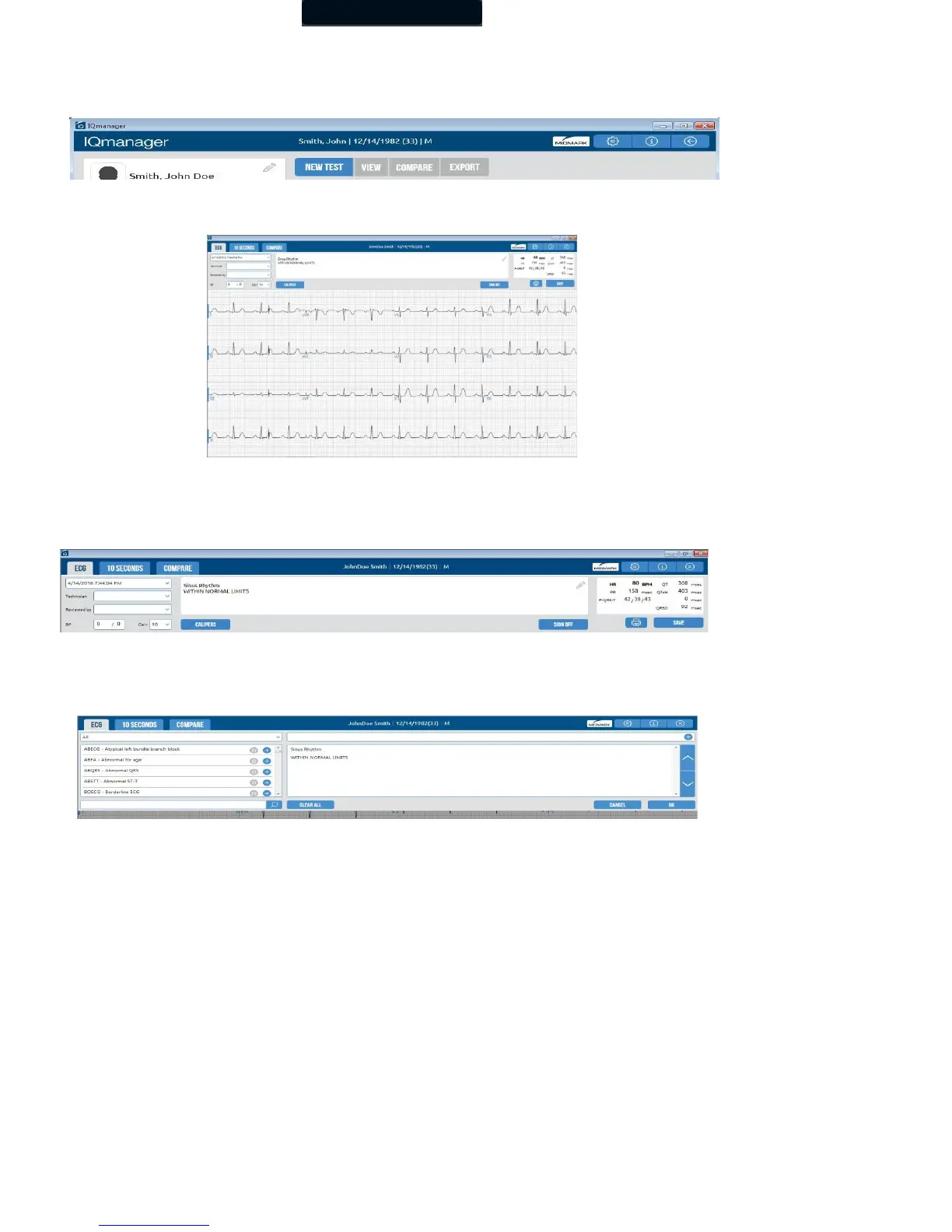
In the Patient Data screen, click View to review a selected resting ECG report.
ECG Report Review Screen
The Report Review screen displays the 12-Lead ECG tracings of the ECG report.
The date and time of the selected report, name of the technician conducting the test, name of the requesting physician, and the
patient’s blood pressure appear at the top left of the screen.
Edit or enter an Interpretation in the Interpretation field by typing directly in the Interpretation field. All diagnostic statements must
be reviewed by a qualified physician. You can also make changes to the interpretation and enter customized statements by
selecting the pencil icon.
• Click on the top left drop-down arrow for the appropriate category, and click the Add button to add



 To Next Page