© Midmark Corporation 2016
Configuring IQecg
®
IQmanager
®
and the IQecg
®
can be customized by using the configuration settings. To access the
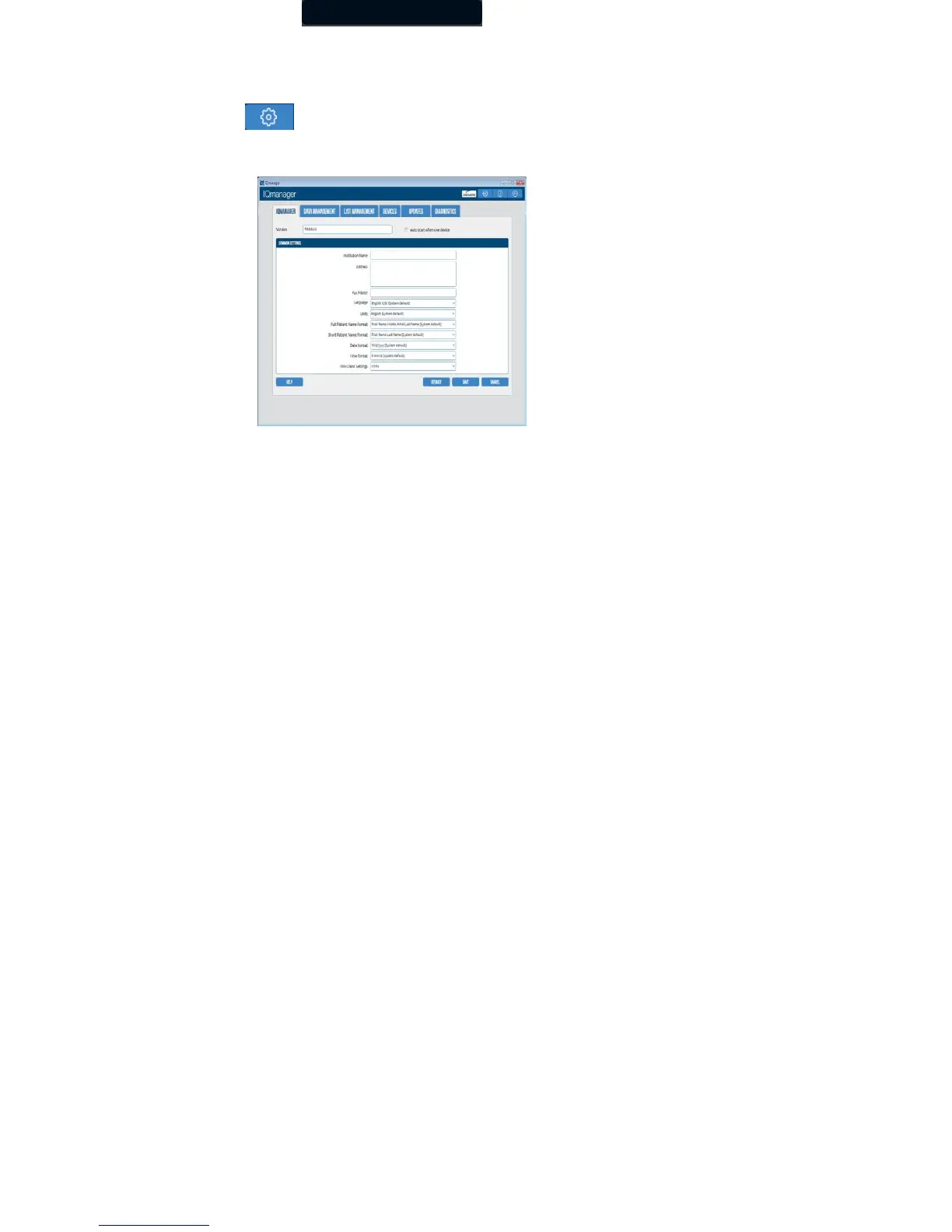
Configuration Settings click in the upper right side of the IQmanager
®
opening screen. The IQmanager Configuration
Settings dialog box appears:
Complete the Institution Name and Institution Address boxes with information about the medical practice. This information will also
be displayed on printed reports. Enter a name that describes the practice/location to enable other medical personnel to recognize the
origin of the reports.
Thin Client Channel Setting
The Thin Client Channel setting is no longer applicable for the IQecg
®
. The ECG software will ignore the Thin Client Channel setting
and automatically search all channels (RDP, Citrix, VMware) to find an IQecg
®
device connected over thin client.



 To Next Page