© Midmark Corporation 2016
Operation of IQecg
®
with IQmanager
®
Starting the Program
The software application for operating the IQecg
®
is called IQmanager
®
and is located on the computer desktop as a shortcut icon.
Double-click this icon to start IQmanager
®
.
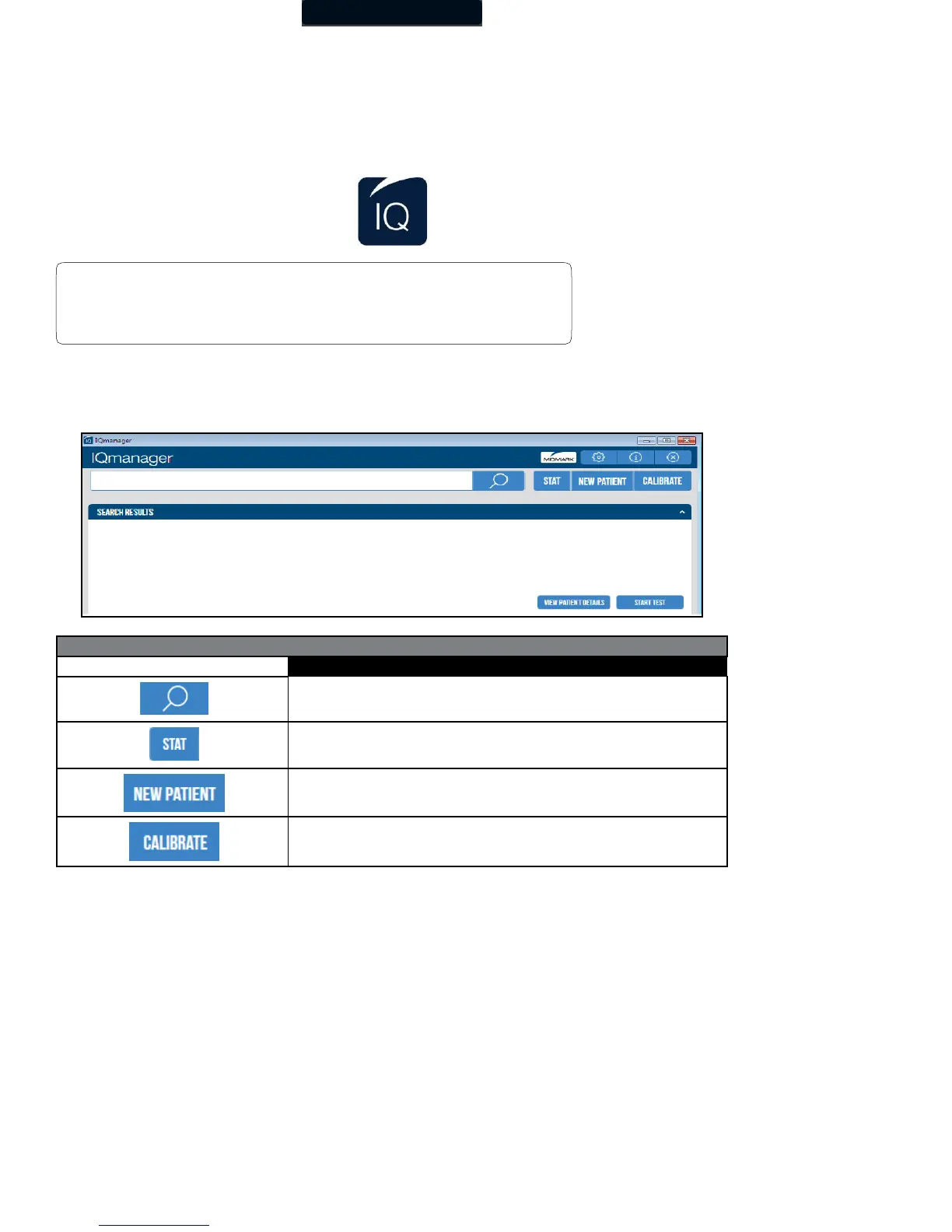
Opening Screen
When starting IQmanager
®
, the opening screen appears:
Search for patients previously entered into the database; selecting a patient from the list
allows access to, edit, add, and delete data from that patient’s records and view data
from previous tests.
Acquire vital signs and ECG or any other test that supports STAT workflow before
entering patient demographics or selecting a patient.
Register a New Patient. Refer to the appropriate device Operation Manual for a
description of the patient details required for specific tests.
Initiate the calibration check process for specific devices.
Note
For a detailed description of diagnostic functions available through
IQmanager
®
, refer to the IQmanager
®
Operation Manual.



 To Next Page