EasyManua.ls Logo

Midmark IQecg - Page 29

Default Icon
54 pages
Print Icon
To Next Page IconTo Next Page
To Previous Page IconTo Previous Page
Loading...
Go to Table of Contents
30
48-78-0002
© Midmark Corporation 2016
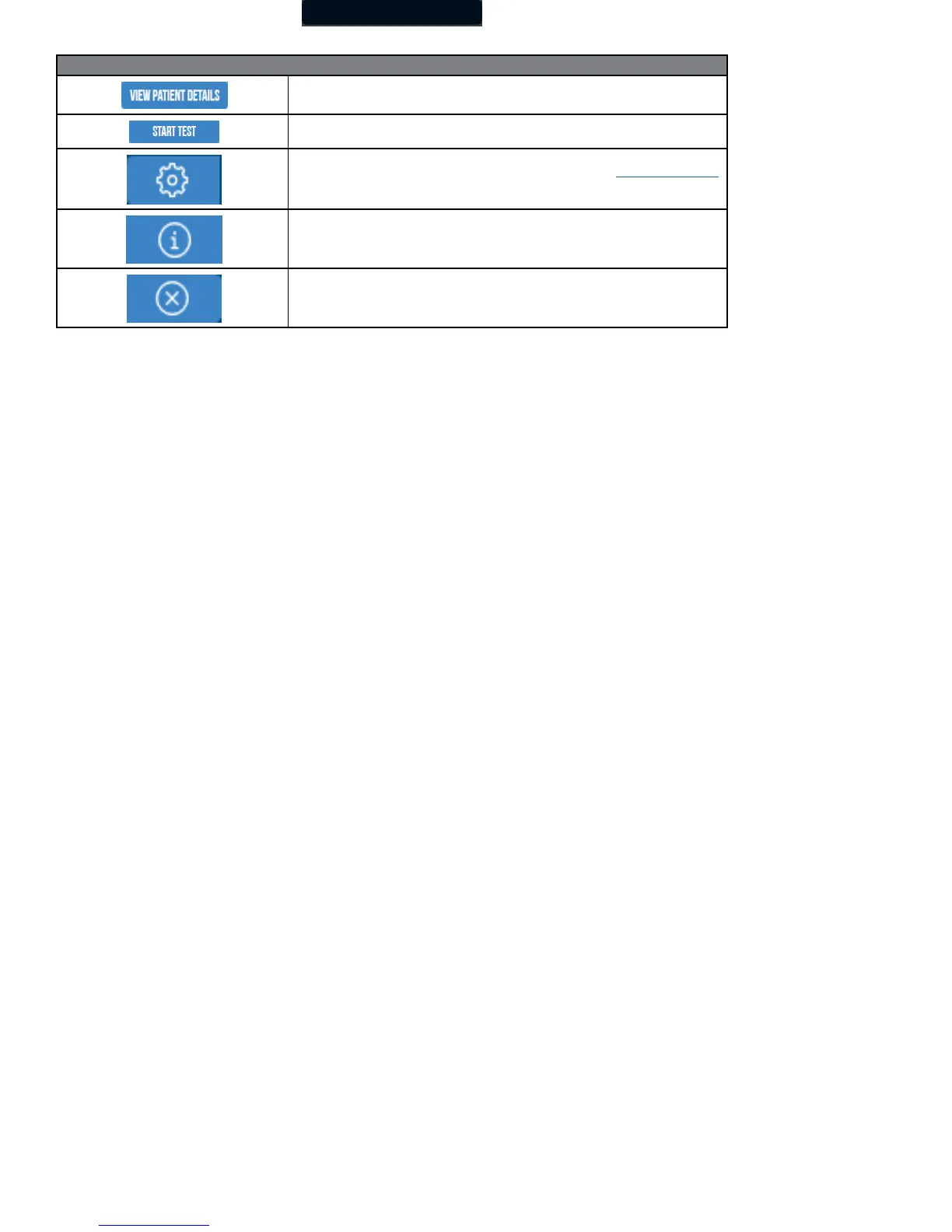
Opening Screen Buttons
View patient details from a patient selected from the Search Results screen.
Go directly to the test selection screen for the selected patient, bypassing the Patient
Data screen.
Enable users to configure the program to meet their needs. This will also display the
current version of IQ manager software and device software. (See “Configuring IQecg®”
for more information.)
Receive assistance regarding the use, operation, and troubleshooting of IQmanager
®
and other Midmark products.
Exit the program, and return to the Windows desktop.

Other manuals for Midmark IQecg

Related product manuals