© Midmark Corporation 2016
Testing a New Patient
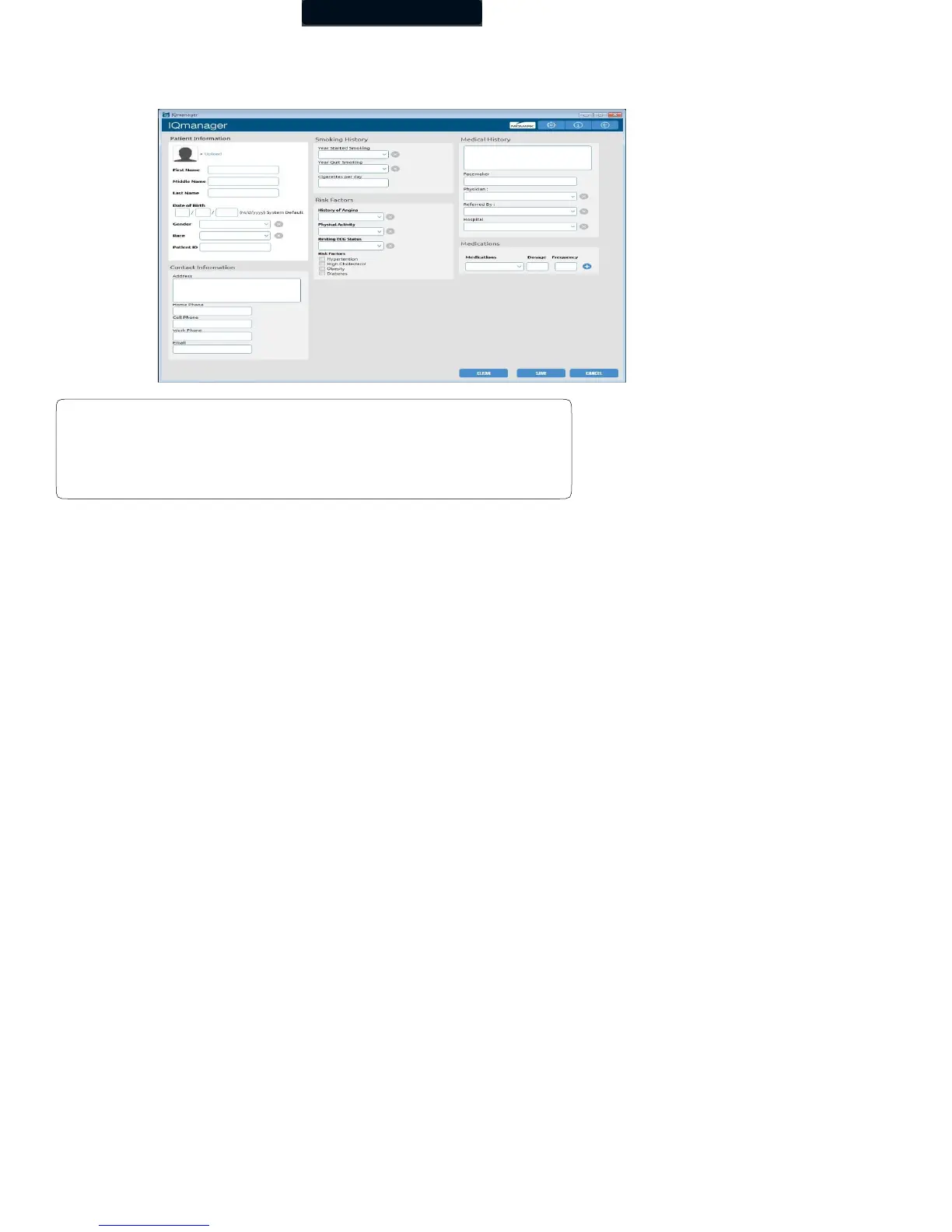
To create a new patient file, click the New Patient icon on the Opening screen. This opens the Patient Data Entry screen, where you can
enter the patient’s specific data.
Click in any text box or press the Tab key to enter information. This information may not be essential for the acquisition of an ECG;
however, it is important to complete each of the fields as accurately as possible, particularly Date of Birth, Sex, and Medications,
which are used by the Midmark 12-Lead Resting ECG Analysis Program to produce diagnostic statements.
The Midmark analysis program is capable of interpreting ECGs from infant to adult age by using age- dependent criteria. It automatically
calculates the age of the patient based on the date of birth entered on the Patient Data screen, and the current date of the computer.
Please make sure that the date and time on your computer is current. Click the Save button to go to the Patient Data screen.
Refer to the IQmanager
®
Operation Manual for additional information on the Patient Data screen.
A patient name or ID must be entered to start a new test. It is
highly recommended to enter all available information, including
an ID.



 To Next Page