© Midmark Corporation 2016
Live ECG Screen
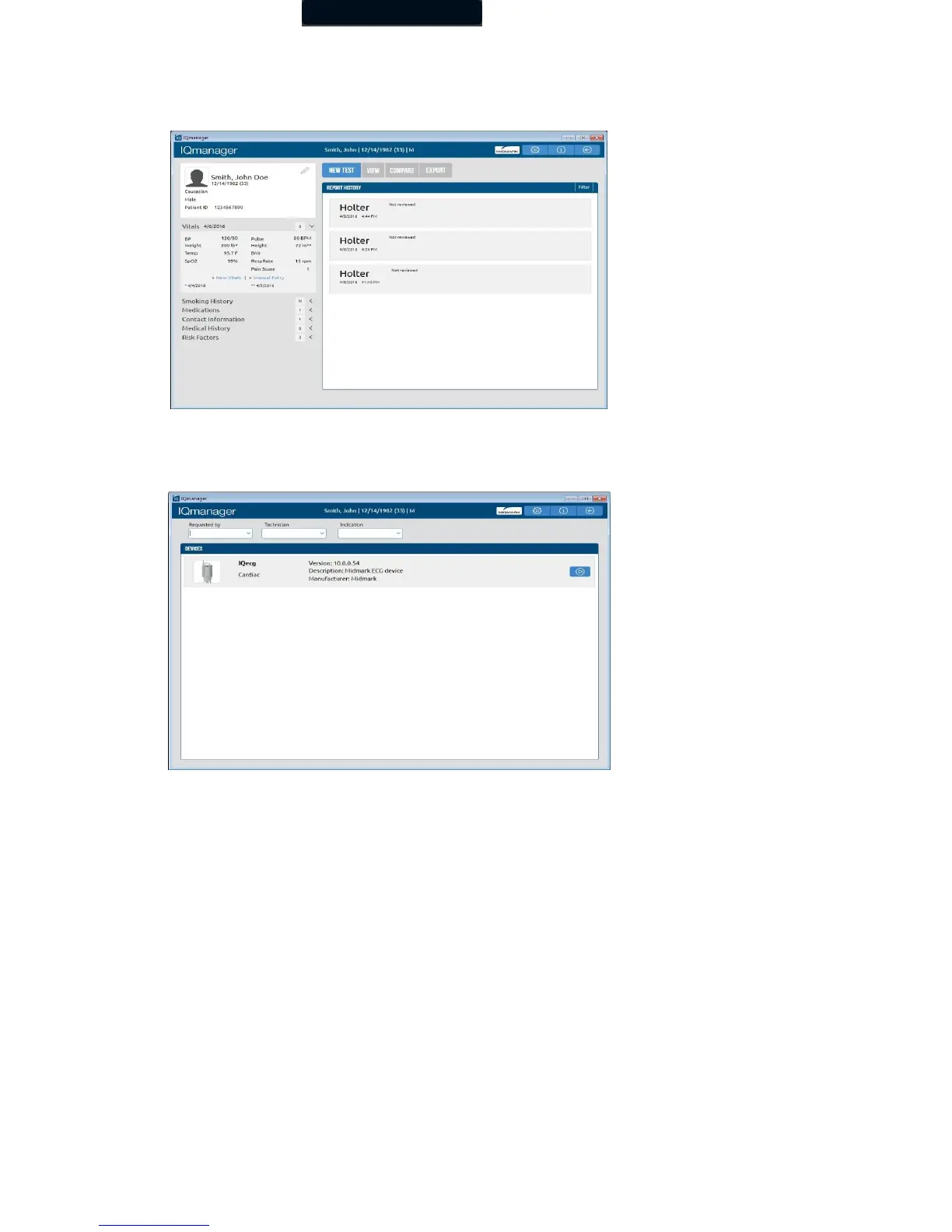
When the patient is properly prepared, is calm, and is comfortable, select a new test by clicking New Test on the menu bar on the
Patient Data screen.
The New Test screen appears. Select a name from the pull-down list, or enter the names of the technician conducting the test and the
requesting physician. Enter the diagnostic reason for the ECG test in the Indication field, as necessary. Click the Start Test icon in the
right-hand portion of the IQecg device.
The live ECG screen will be displayed.



 To Next Page