© Midmark Corporation 2016
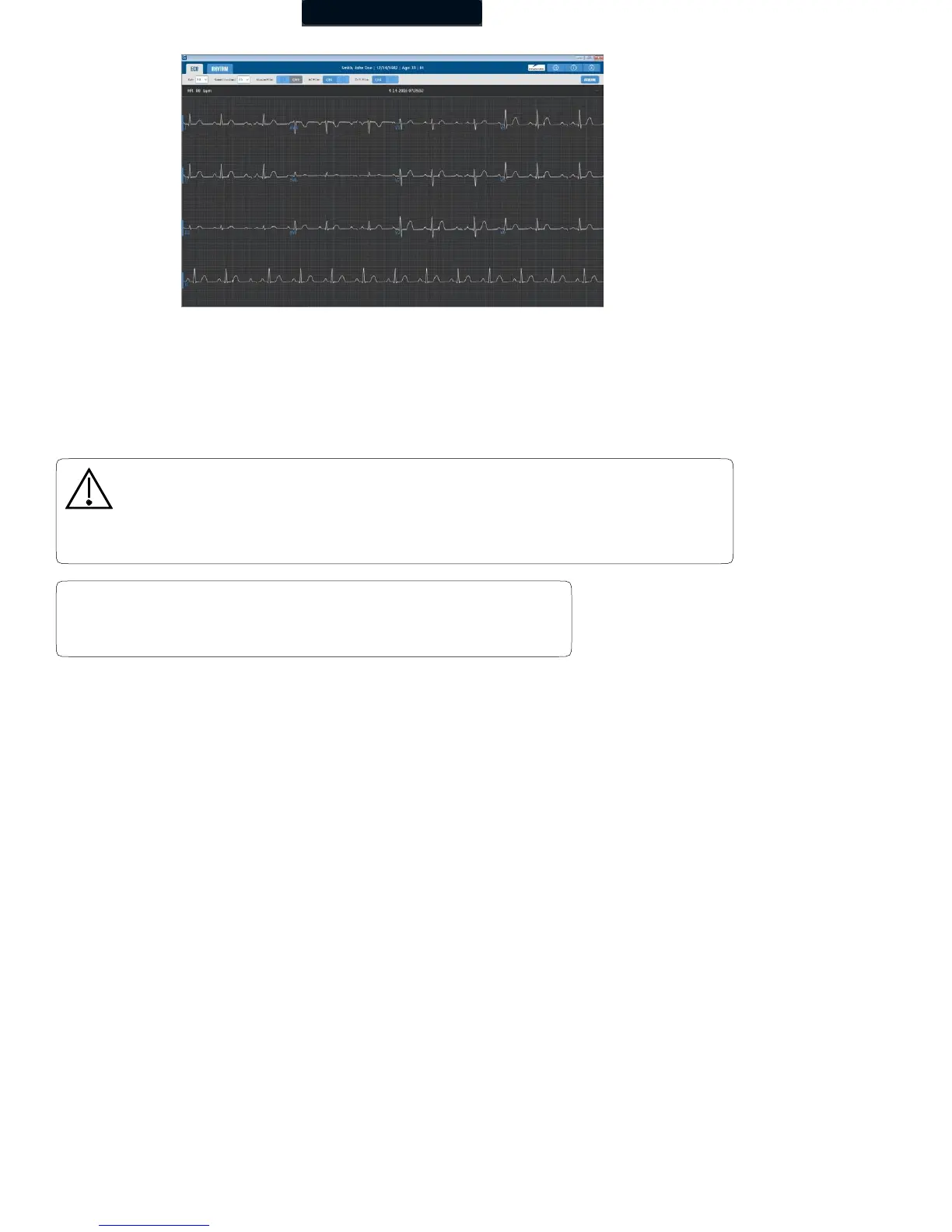
The live ECG screen displays the results of the 12-channel ECG in the three-by-four (3x4) leads display format.
If a modified 12-lead (V3R, V1, V2, V5, V6, V7) is selected:
• The live ECG screen displays a message: “place V3 lead on V3R, V4 lead on V7” at the top right corner of the screen.
• The chest leads on the live ECG screen are arranged in the following order V3R, V1, V2, V5, V6, V7.
The gain, speed, and filter settings are displayed above the moving tracings. Click the appropriate drop- down item or toggle to modify
its setting. Changes to these settings made from this screen are temporary and only apply for as long as the test is active. Make
changes and set them as the default settings for all new ECG tests by clicking Settings. The patient’s name is displayed at the top
center of the screen with the heart rate display on the left of the screen. Lead offs and any error messages will be displayed on the
right top corner of the screen.
Caution
Follow the standard 12-lead ECG placement when performing a STAT ECG. The automated
ECG analysis algorithm assumes the standard 12-lead ECG placement. Any deviation
from the standard 12-lead ECG placements may affect the accuracy of the automated
interpretation.
The modified 12-lead ECG lead group does not generate
automatic interpretations.



 To Next Page