© Midmark Corporation 2016
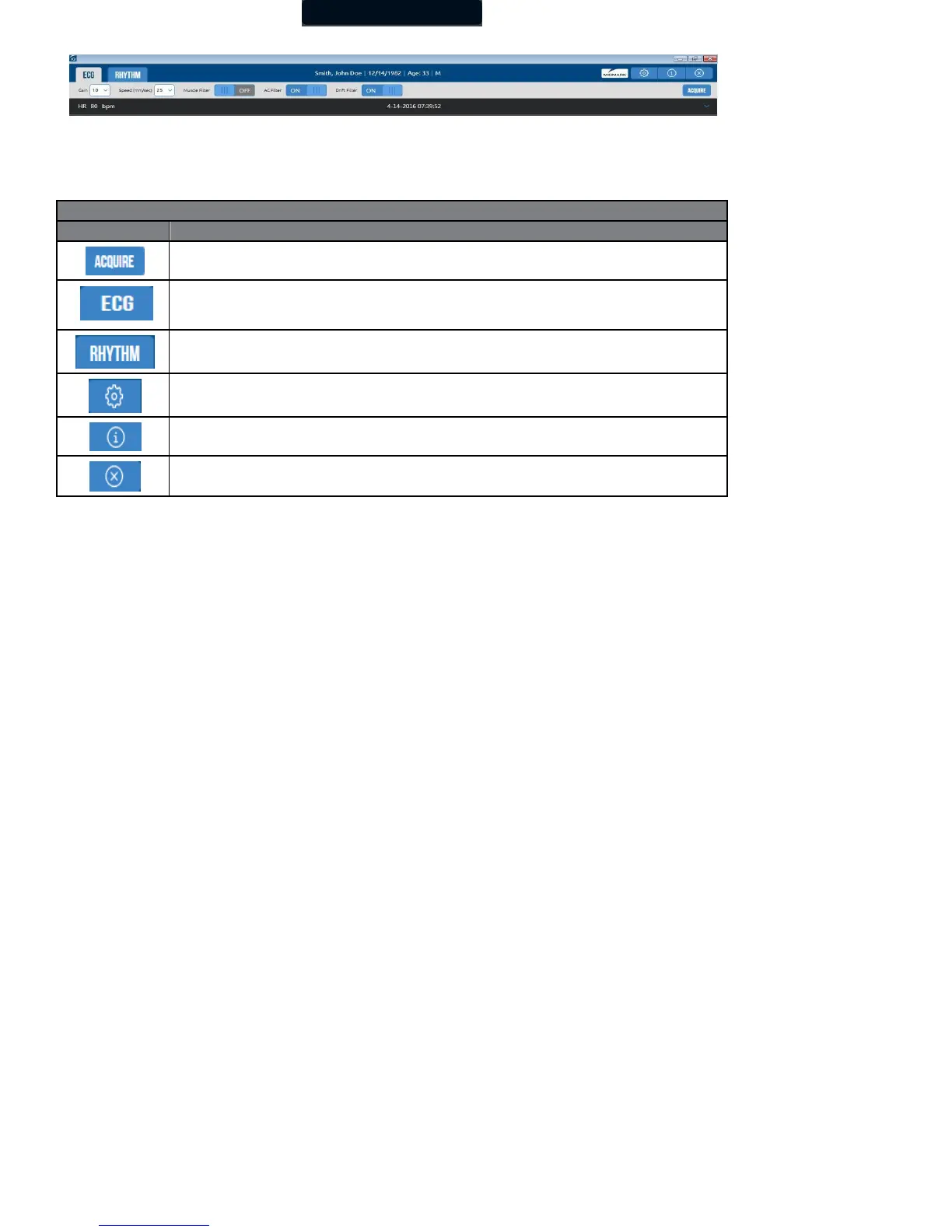
Wait for the ECG tracings to pass the screen twice and verify the signals are clean and baselines are stabilized. Click the Acquire
button to capture an ECG test, which will open in the Report Review screen so that the technician can review the quality of the test
before saving the report.
Click this button to acquire ECG data.
Switches to the Resting ECG acquisition screen.
Switches to the Rhythm screen. A preset duration between 30 and 360 seconds of ECG data may be collected.
Opens a dialog box for changing the Default Interpretation And Acquisition Display settings, Rhythm settings, and
Configuration, which are similar to those described in Section II-E, Configuring the IQecg
®
.
Displays the Help screen.
Click this button to return to the Patient Data screen. ECG or Rhythm Reports will not be saved.



 To Next Page