© Midmark Corporation 2016
the desired selection. The selected interpretations will be displayed in the right window. Click the
Favorite button to add frequently used interpretations to the Favorites list.
• Use the Search field to search through all of the pre-set interpretations configured from List Management.
• Use the top-right text field to type an interpretation.
• Click the up and down arrows to reorganize the selected interpretations.
• Click Clear All to remove all the selected interpretations.
• Click the X button next to a selected interpretation to remove it.
• Click OK to add the selected interpretations to the Review Report screen.
• Click Cancel to discard the selected interpretations and return to the Review Report screen without saving any interpretations.
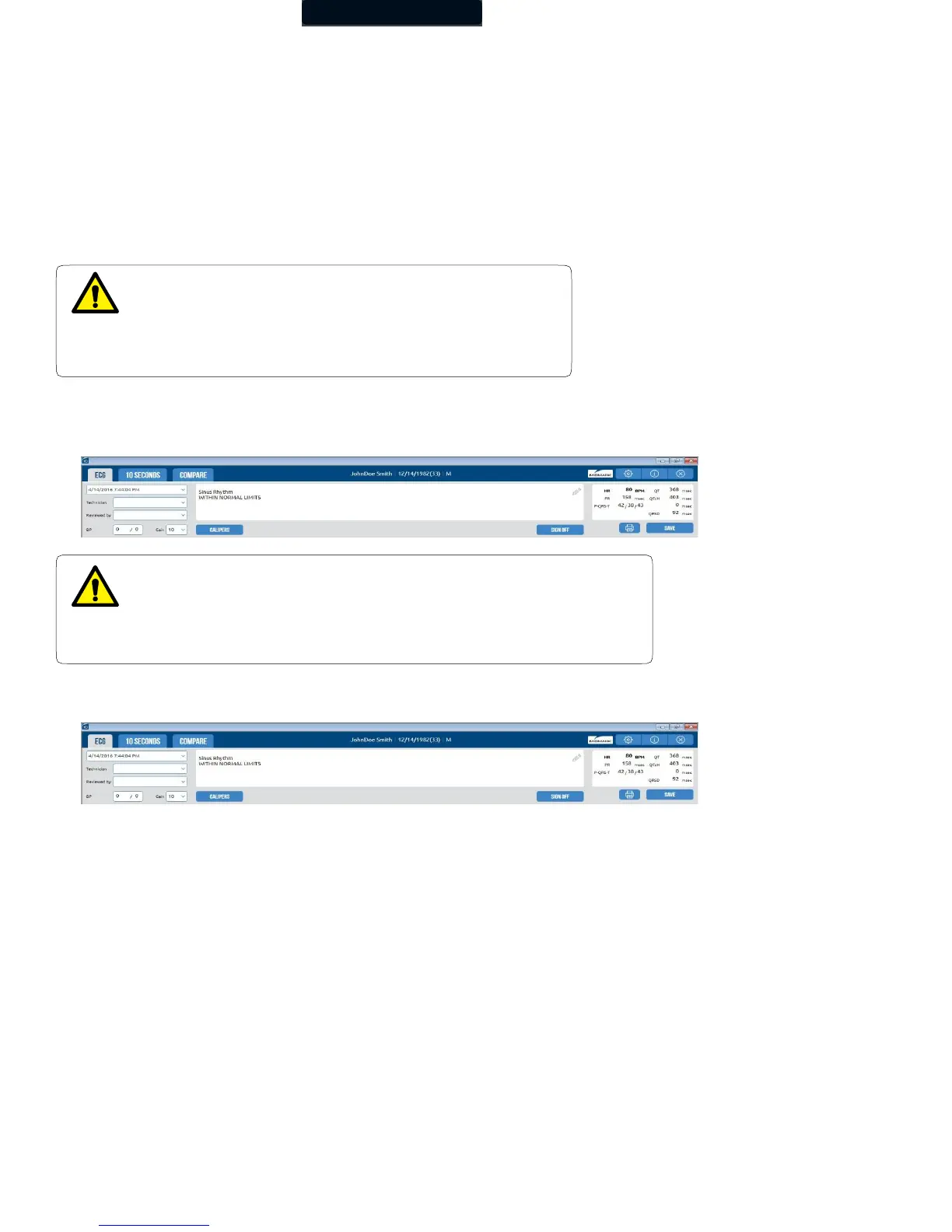
The general measurements are displayed on the upper-right portion of the Report Review screen. The physician must review and
evaluate the diagnostic interpretation and the measurements before signing off on the ECG report. Measurements can be manually
overridden by clicking in the field.
If the ECG amplitude is too short or too tall for viewing, click the Gain drop-down to increase the amplitude gain to 20mm/mv or to
decrease it to 5mm/mv.
WARNING
The computerized interpretation is not a substitute for physician
interpretation.
All ECGs must be examined with respect to the patient’s overall
clinical condition.
WARNING
The computerized calculation of QTc is not a substitute for the physician
interpretation of the ECG.
It is the responsibility of a qualified physician to review the ECG to determine
the accuracy of QTc calculation before using the QTc to make a diagnosis.



 To Next Page