© Midmark Corporation 2016
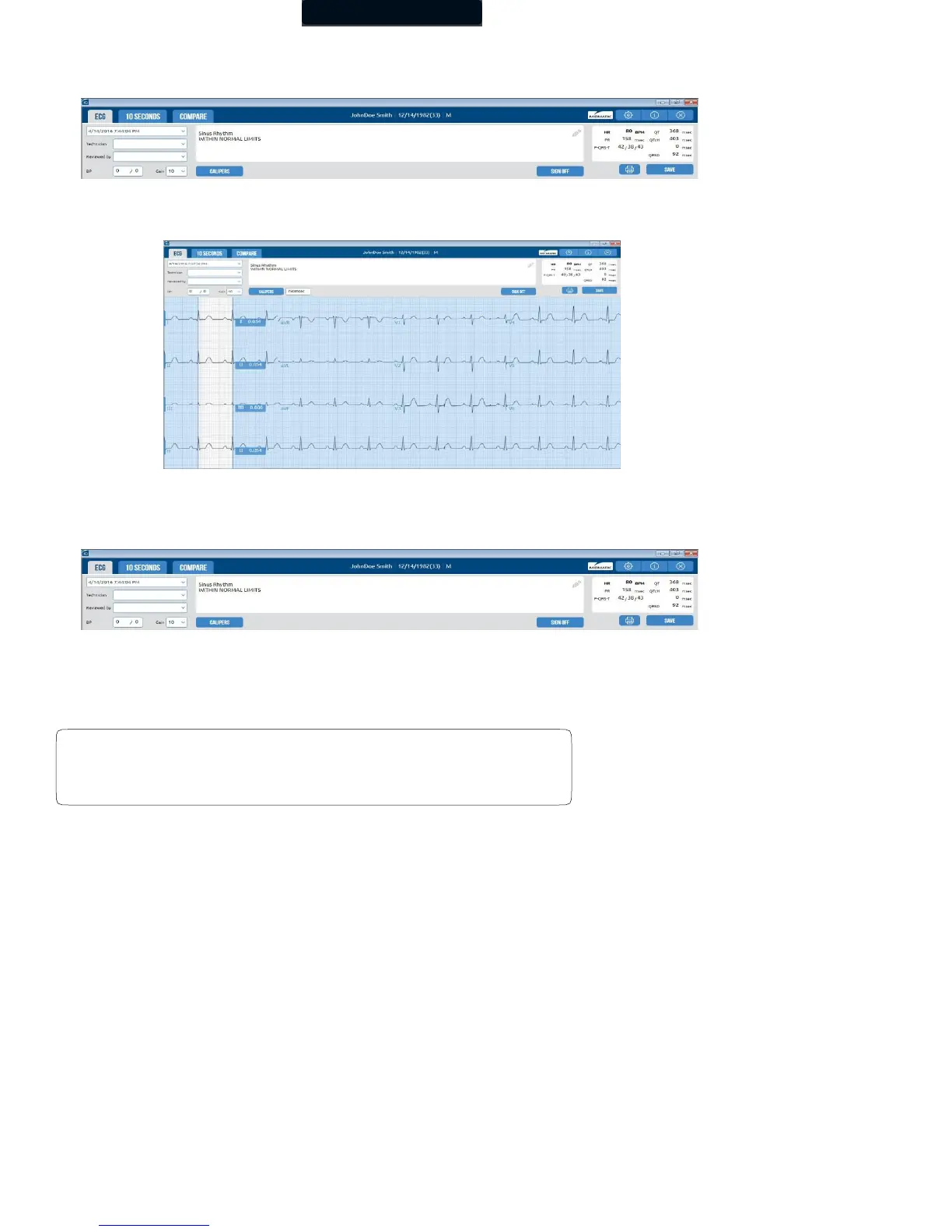
Click Calipers to measure the amplitude (mv) and duration (ms) of any part of the ECG waveform, making it easy to read over ECG
tests online without printing the report.
Clicking and dragging on a specific caliper will move only that one caliper. Clicking and dragging in the middle of the calipers will move
both calipers together. You can adjust calipers for longer periods of time by clicking and moving the right or left caliper.
The Sign off button is used for signing off on the report after the physician’s name is entered. If the Sign off button is clicked, it
indicates that the report has been signed by a physician, and the screen then becomes read-only. The date the report is signed, the
name of the reviewing physician, and the user name are recorded.
To edit a signed report, first view the report, and the click the Unlock button.
The Print button is used to print the current report. A dialog box will appear after selecting Print to specify printing options.
Select Actual Size from the dialog box to ensure grids on the
report print in actual size.



 To Next Page