© Midmark Corporation 2016
10 Second Screen
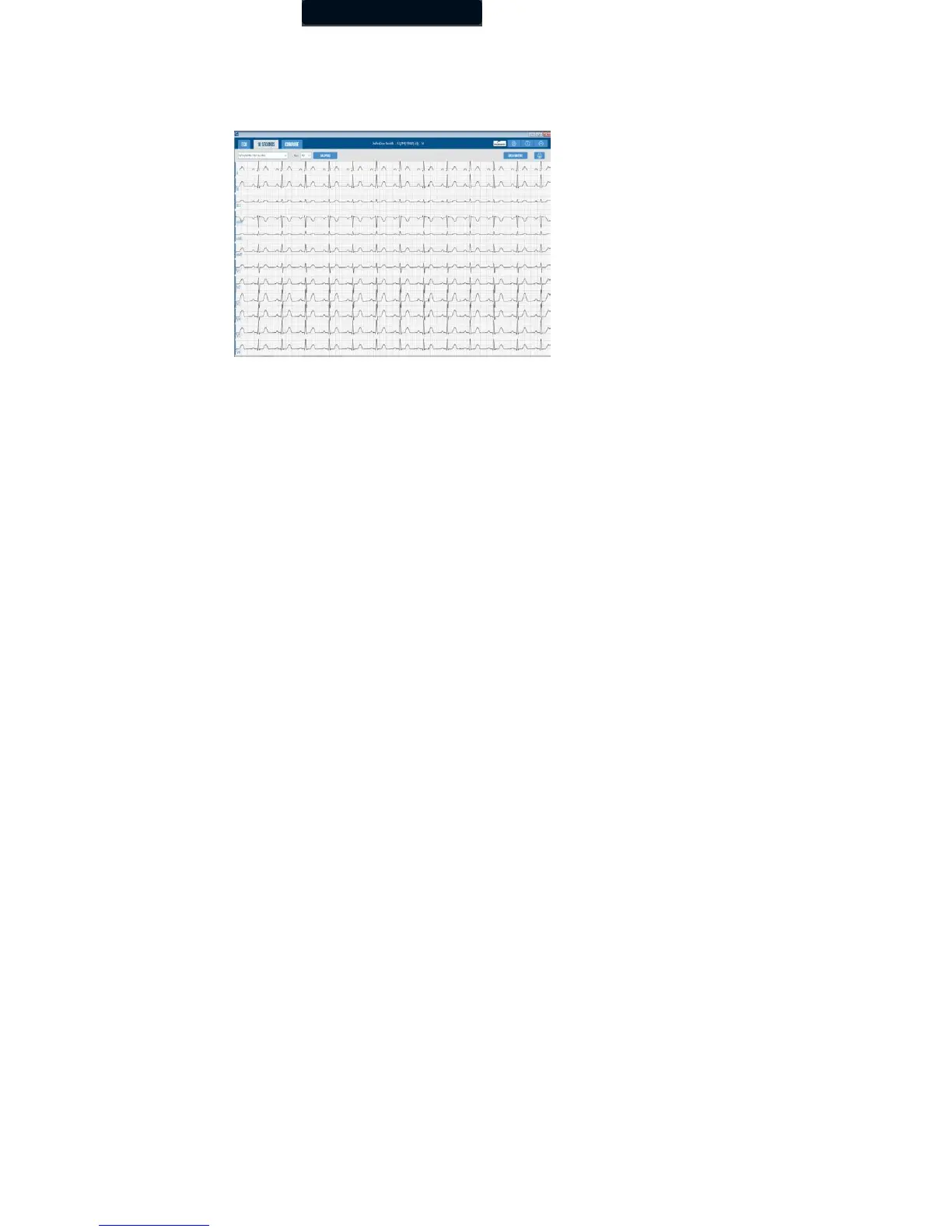
The 10 Second tab will display all 10 seconds from each of the 12 leads on one screen, which is the full disclosure of a 12-lead
resting ECG test.
The menu bar displays the date and time of the selected report and the Gain drop-down lists.
Click Calipers to select the Calipers to measure the amplitude (mv) and duration (ms) of any part of the ECG waveform.
Clicking and dragging on a specific caliper will move only that one caliper. Clicking and dragging in the middle of the calipers will
move both calipers together. You can adjust calipers for a different duration by clicking and moving the right or left caliper.
Click Data Matrix to display the Measurement Matrix window.
If Standard “12-Lead (V1, V2, V3, V4, V5, V6)” is selected, the chest leads and measurement columns are arranged in the
following order: V1, V2, V3, V4, V5, V6.
If “Modified 12-Lead (V3R, V1, V2, V5, V6, V7)” is selected when acquiring a new ECG report, the chest leads
of ECG tracings and measurement columns are arranged in the following order: V3R, V1, V2, V5, V6, V7.



 To Next Page