© Midmark Corporation 2016
Compare Screen
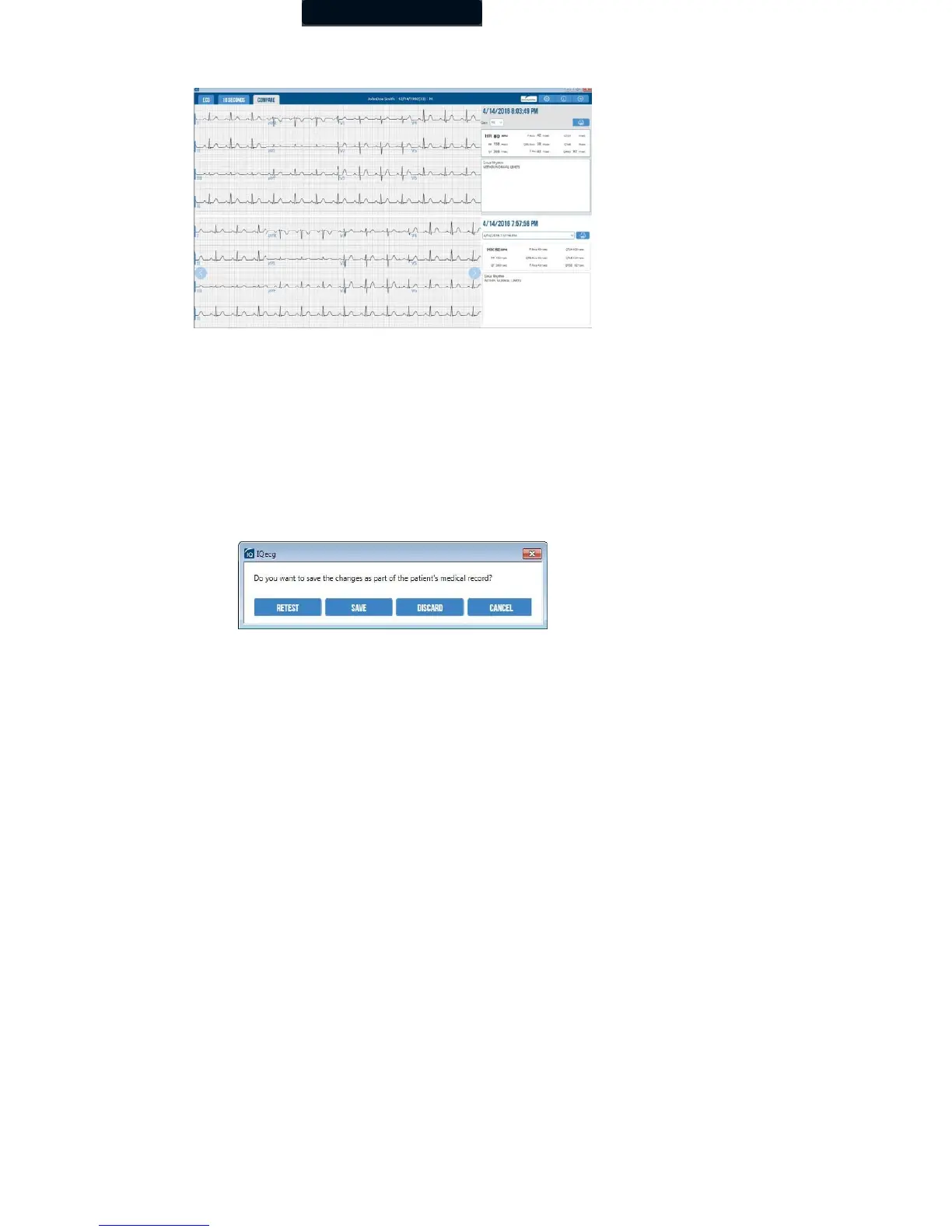
Click the Compare tab to compare two ECGs from the same patient side-by-side.
The current test report will be displayed in the top window. The previous test report, by default, will be displayed in the bottom window.
You can select other tests by using the drop-down menu, or by using the right or left arrows.
The ECG tracings for each report will be displayed on the left side. The date and time of the report, the Gain
drop-down, the ECG Data fields, and the Interpretation field will be displayed on the right side.
The Printer button will print the report that is displayed on screen.
Exiting Report Review
Click the Save button to save the report, or the Exit button for more options through the following dialog box:
• Click Retest to return to the Acquisition screen and discard the current ECG test. Retest option is only available after the
initial test acquisition.
• Click Save to save the ECG test.
• Click Discard to delete the ECG test.
• Click Cancel to return to the ECG test without saving.



 To Next Page