© Midmark Corporation 2016
ECG Settings
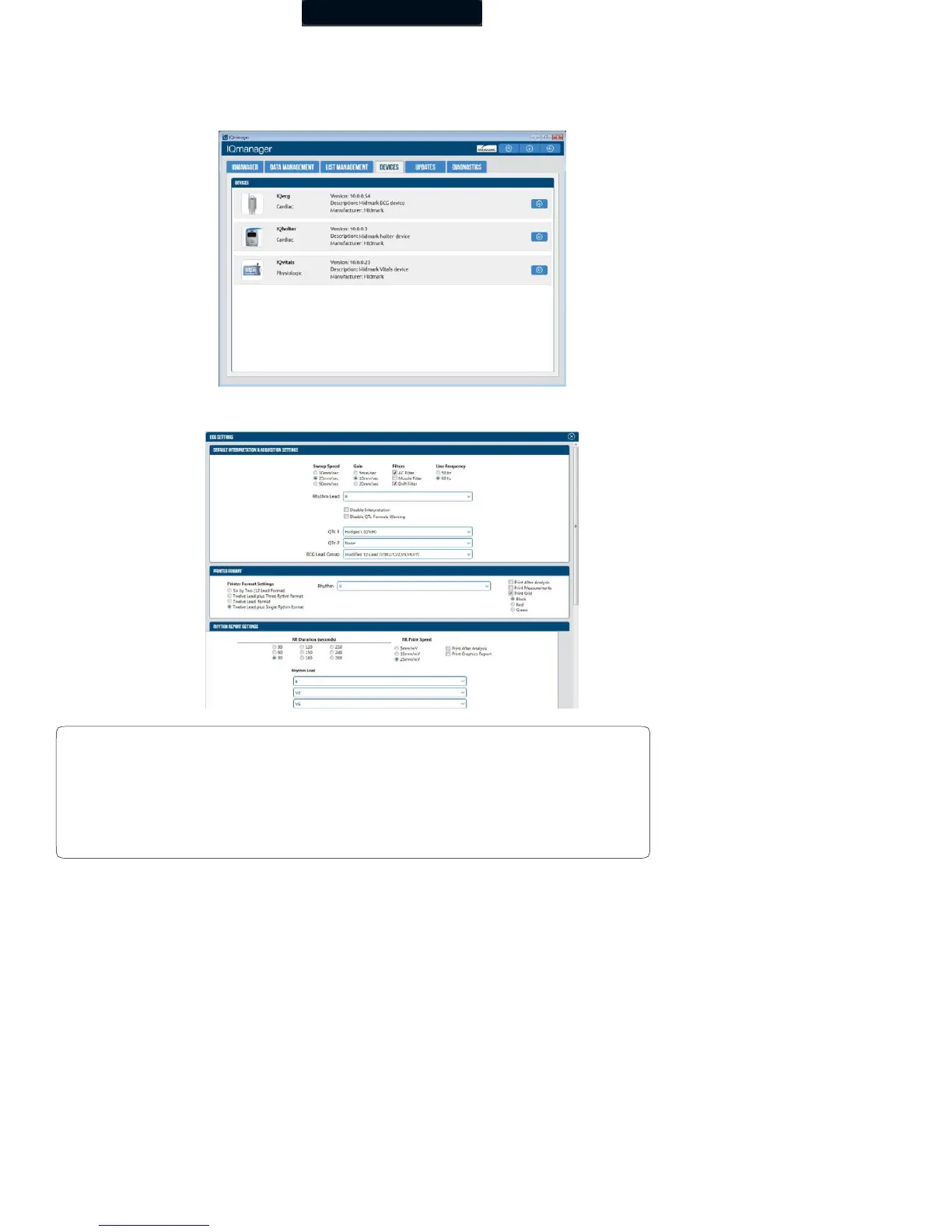
Set the default settings to use for ECG tests by clicking the Devices tab in the IQmanager settings. Click the settings icon to
customize the settings. All of the common settings for ECG tests are inherited from the application.
The ECG Settings dialog box appears:
• AC Power source frequencies of 50 Hz or 60 Hz.
• The IQecg® uses the information to filter out background noise through its
AC filter. In the United States, the frequency is 60 Hz. If you are using the
device outside of the United States, please consult the local power utility
company to determine the appropriate frequency.



 To Next Page