Preva Installation/Service Manual, 00-02-1577, Revision E01
124
FIGURE 119
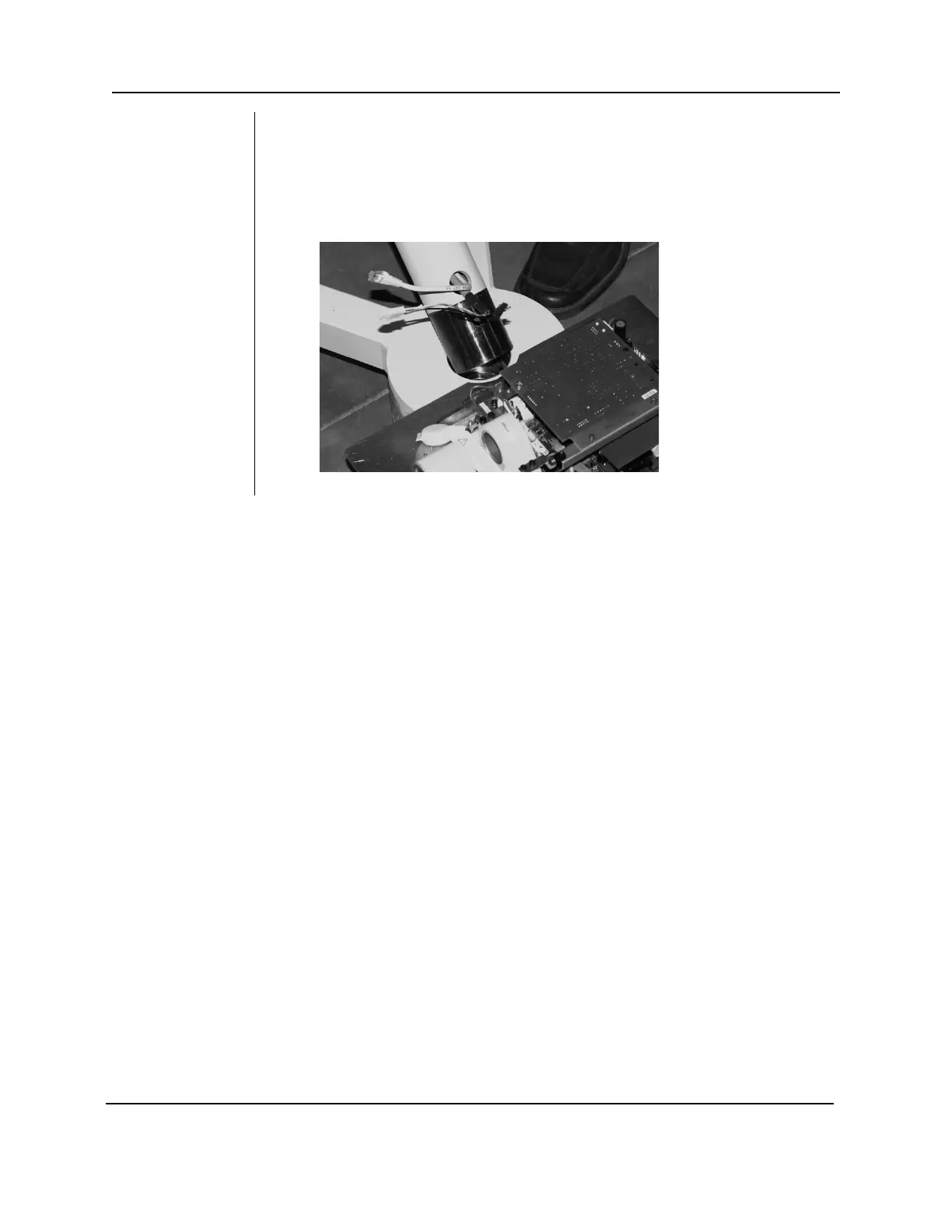
8. Locate the mobile unit post (located in the bottom layer
of parts removed in step 3) and insert into the mobile
base as shown. Orient the post with the wires exiting
toward the control unit as shown below.
NOTE: Take care not to pinch the Cat 5 cable or the
tubehead connectors.



 To Next Page