Preva Installation/Service Manual, 00-02-1577, Revision E01
125
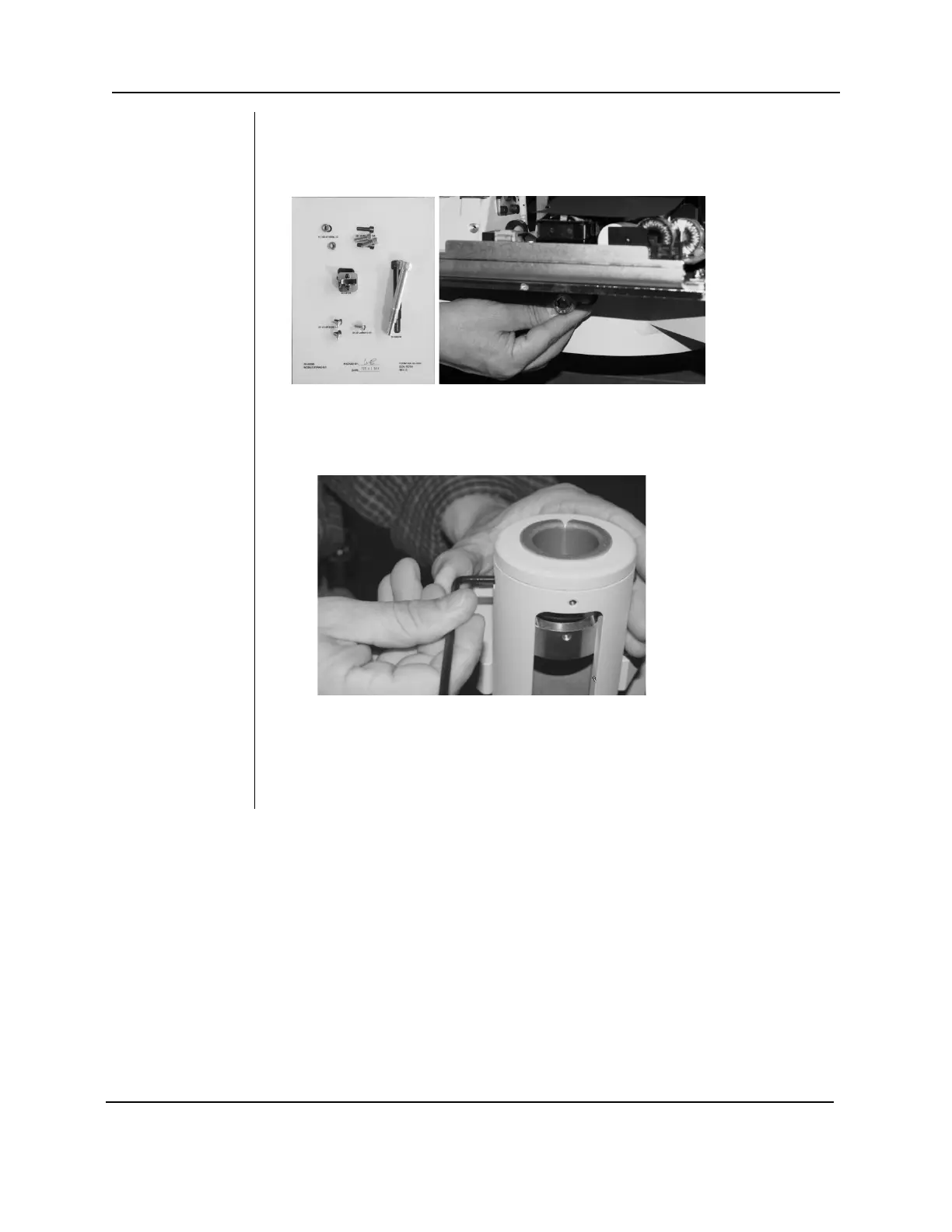
9. Open “Kit, Mobile Stand” (PN 30-A20198). Attach the post
to the mobile base and use the 10 mm hex key to secure it
with the column screw (PN 30-M0046) from the kit.
10. Use the Allen wrench to back out the two column
screws that secure the articulated arm to the post. This
will allow the articulating arm to be inserted completely
into post.
11. Remove the red transportation label from the Articulated
Arm/Tubehead assembly. Pull back the plastic
packaging to expose the shaft. Remove the paper tube
protecting the cables and connectors.
FIGURE 120
FIGURE 121



 To Next Page