MONITOR SETUP
The Monitor Patterns routine provides test screens to
verify
monitor performance or make adjustments
NOTE A
me&urn
resolution monitor
is
the recommended type of video display. The increased resolution
means that there is more video information on the screen than standard monitors.
Use of an
industriarial
grade degaussing coil is recommended before any corrections to monitor adjustments are attempted.
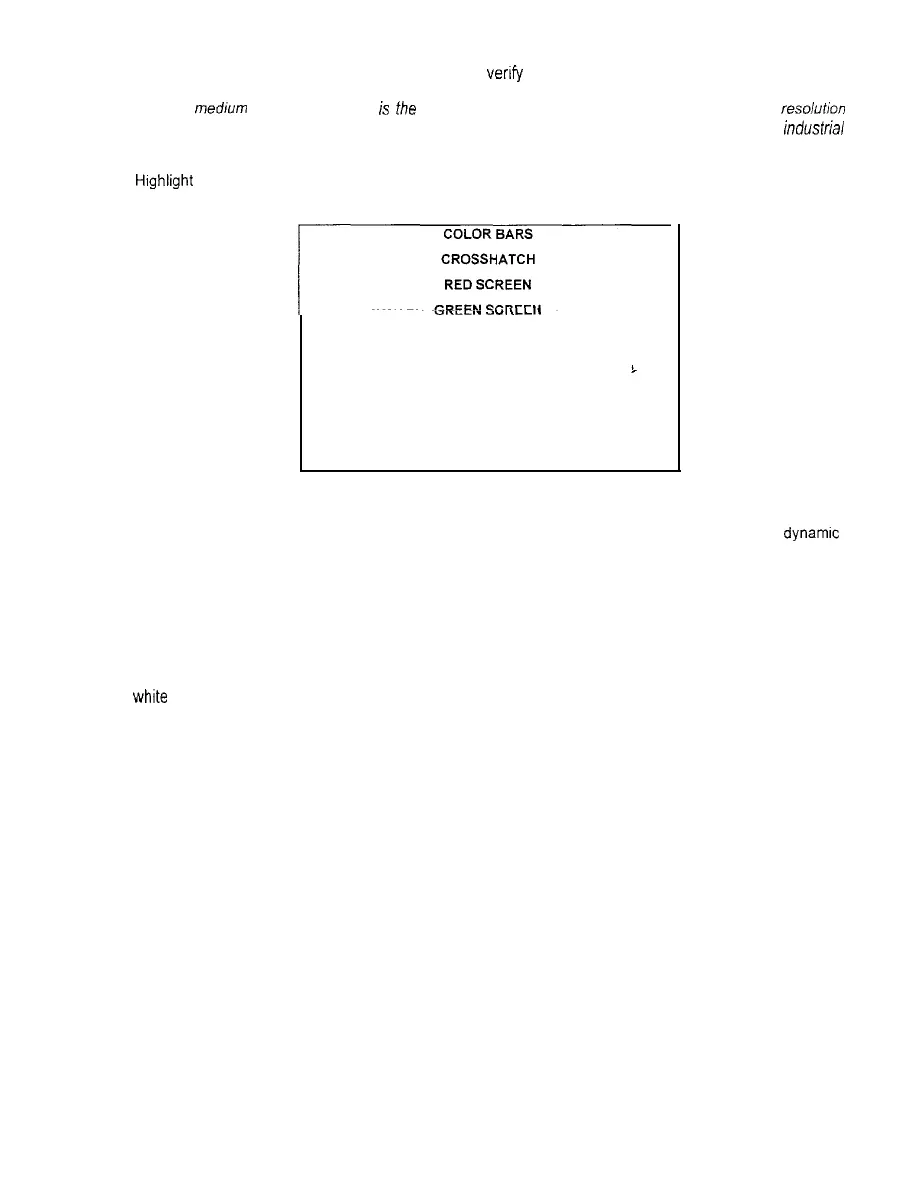
Hrghlight the test by using any joystick to select the option; then press any control panel button to activate.
h
“I\LLI.
BLUE SCREEN
WHITE SCREEN
‘r
BLACK SCREEN
50% GRAY SCREEN
25% GRAY SCREEN
EXIT
MONITOR SETUP SUB MENU
Color Bars fills the screen with shades of colors to verify red, green, blue and white level
dynamrc
adjustments. Each color bar should appear sharp, clear, and distinct from bars on either side.
There are 31 levels of intensity displayed in each color bar. Incorrect adjustment can cause detail to be
missing at the top or bottom of a bar. Set the controls so that all levels are visible in every color bar.
The Color Bars screen is useful in adjusting the monitor brightness and contrast.
Crosshatch Patterns fill the screen with a grid and a series of dots. The grid and the dots should be all
whrte
in color, with no fringes or parallel images. The lines should be straight and the dots round.
Consult the service literature from the manufacturer of the monitor for more detail on these adjustments.
The Crosshatch Patterns are useful in verifying the monitor convergence, linearity, and dynamic focus.
Color Screen tests fill the screen with 100% of the chosen color at normal intensity Each screen should
be absolutely uniform from top to bottom and side to side. No retrace lines or noise should be visible.
The Color Screen tests are useful in verifying monitor intensity, black level, blanking and color purity
Color Screens may not hold their uniformity if the monitor degaussing circuit is defective.
White, Gray, and Black Screens fill the screen with black, gray or white at various intensities. The
screens should be uniform with no color tints or distortion. No retrace lines or noise should be visible
If any of the tests shows a need for adjustment, use the proper controls on the Monitor Controls board.
NOTE: Ensure that the Graphics Mode setting matches the monitor type (refer to DIP Switch Tests).
2-7



 To Next Page