CLEAR AUDITS
The Clear Audits menu allows you to clear Individual memory counters or to reset them all at one time.
Use the
joystrcks
to select a particular game option
Joysticks are also used to
vrew
the range of choices
and change values Options may be reset to factory defaults or changed after each viewing.
CLEAR AUDITS
CLEAR COIN AUDITS
CLEAR CREDIT AUDITS
CLEAR GAME AUDITS
CLEAR TEAM STATS
CLEAR OFFENSIVE PLAYS
CLEAR DEFENSIVE PLAYS
CLEAR GAME RESETS
CLEAR C AND PC
CLEAR ALL
EXIT
CLEAR AUDITS SUB MENU
Any of the audit screens may be reset from this menu. Choose any item to return the counters to zero
Coin, Credit, and Game Audits have been examrned in detail on the preceeding pages.
Team Stats shows the number of games played by each team in the league.
Offensive and Defensive Plays analyzes the strategies favored by the players.
Game Resets keeps track of how the game responds to different player maneuvers.
C and PC is an internal record keeping list used to monitor game performance.
Clear All changes all audit categories to the factory default values simultaneously.
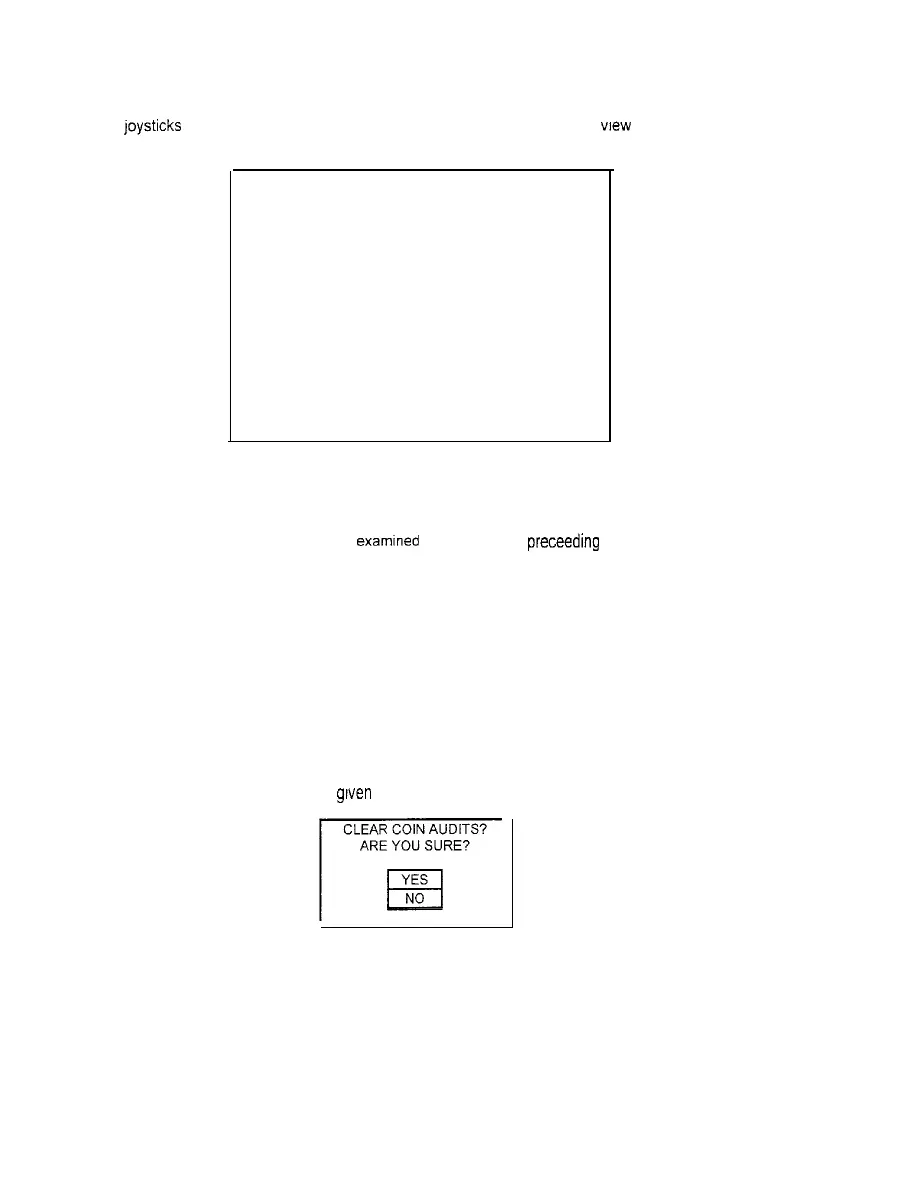
After an item has been selected. you are
grven
the opportunity to escape from this change. For example:
CLEAR COIN AUDITS?
ARE YOU SURE?
r-
YES
El
NO
LAST CHANCE SUB MENU
Once any clear function has been selected and verified, the values are reset and can not be restored
We recommend that all utility values be examined and recorded before any changes are made.
2-16



 To Next Page