SOUND SUBSYSTEM TEST
The Sound Subsystem Tests verify that the audio components are connected and operating properly
Highlight the test by using any joystick to select the option; then press any control panel button to activate
NOTE; The /eve/ must be turned up for speakers to be heard.
Check the volume setting before testing
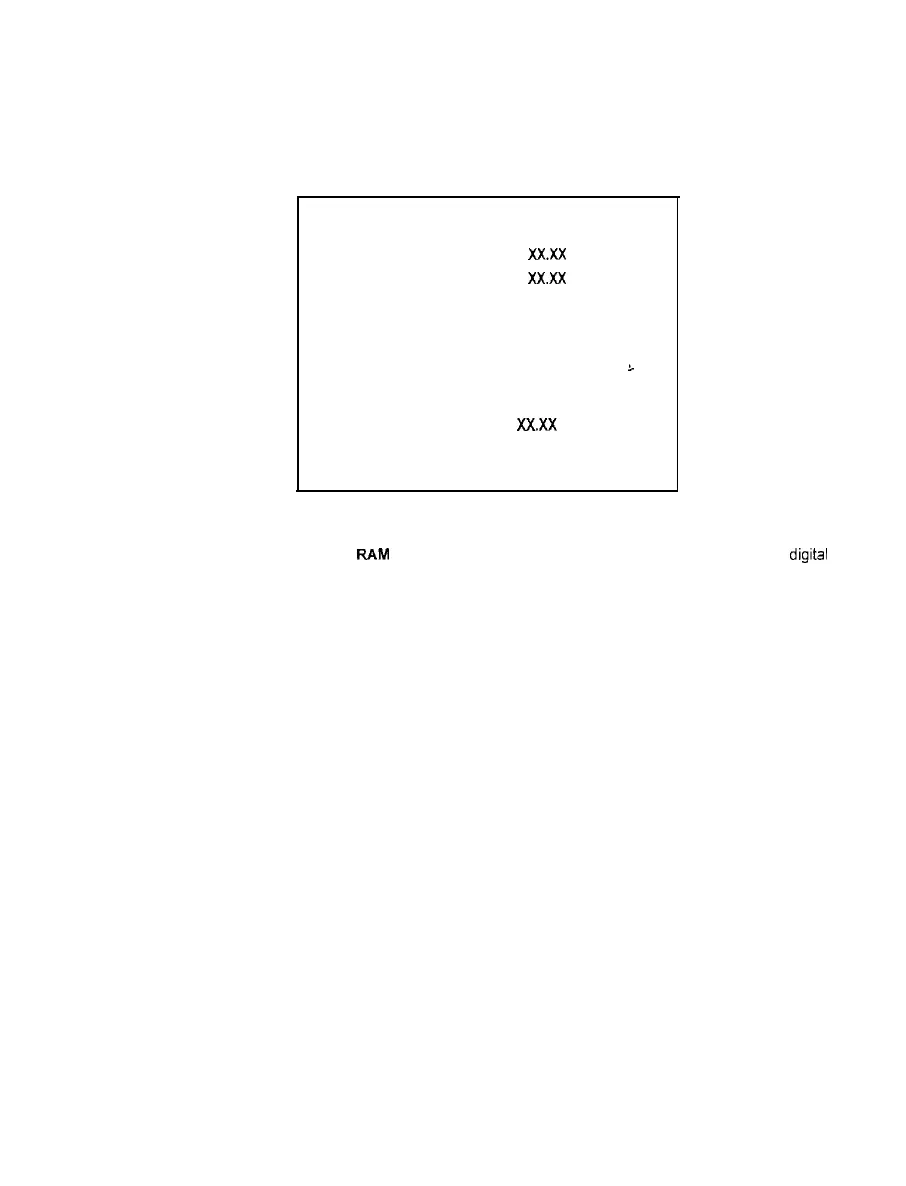
SOUND SUBSYSTEM TEST
BOOT VERSION: XxX.X
SDRC VERSION:
XXXX
PORT STATUS: GOOD
CHECKSUM: XXXX
SRAM: OK
L
DRAM: OK
TONE STATUS: GOOD
OS VERSION:
XXXX
EXIT
SOUND SUBSYSTEM SUB MENU
Version, status, checksum, and RAM reports are a series of diagnostic routines that analyze the
digrtal
sound circuits. The results of the tests will be reported as numbers or messages: sounds may also
accompany some of the tests. Reports other than GOOD or OK may indicate a problem has been found.
The Sound Subsystem Tests are useful in locating digital circuit difficulties, especially when there is no
sound from the speakers with the volume set at high levels. These tests detect sound memory problems.
2-9



 To Next Page