1-7
[ ] 16. Unlock and open the coin door. Locate the control switches. Press TEST MODE to enter the
Menu System.
[ ] 17. Select “DISK TESTS” at the Diagnostics Menu. Run all the tests in order to verify correct drive
operation.
[ ] 18. Select “SWITCH TESTS” at the Diagnostics Menu. Check to be sure that all control switches
work.
[ ] 19. Select “SOUND TESTS” at the Diagnostics Menu. Verify operation of each speaker.
[ ] 20. Select “FORCE FEEDBACK TESTS” at the Diagnostics Menu. Verify the presence of steering
resistance.
[ ] 21. Select “CALIBRATE CONTROLS” at the Main Menu. Set steering and throttle limits for maximum
accuracy.
[ ] 22. Select “START THE GAME” at the Main Menu. The system should enter Attract Mode. Open the
coin door and press the SERVICE CREDITS button to allow game play. Press the START button
to begin play. Listen to the audio while playing the game. Note sound irregularities (phase
problems, no low frequencies, mono audio from stereo speakers, etc.). If necessary, check the
wiring harness for internal shorts or strapped connections.
[ ] 23. Change the volume and make adjustments as necessary. Close and lock all open doors. Tighten
the leveler nuts. Engage the caster locks.
LINKED OPERATION
Equipment Requirements
Linked Mode permits players to compete between networked cabinets in real time. The linking program is
player selectable, so that each cabinet serves player needs.
To achieve linked operation, you must connect cabinets. The factory installs one linking cable in each
cabinet.
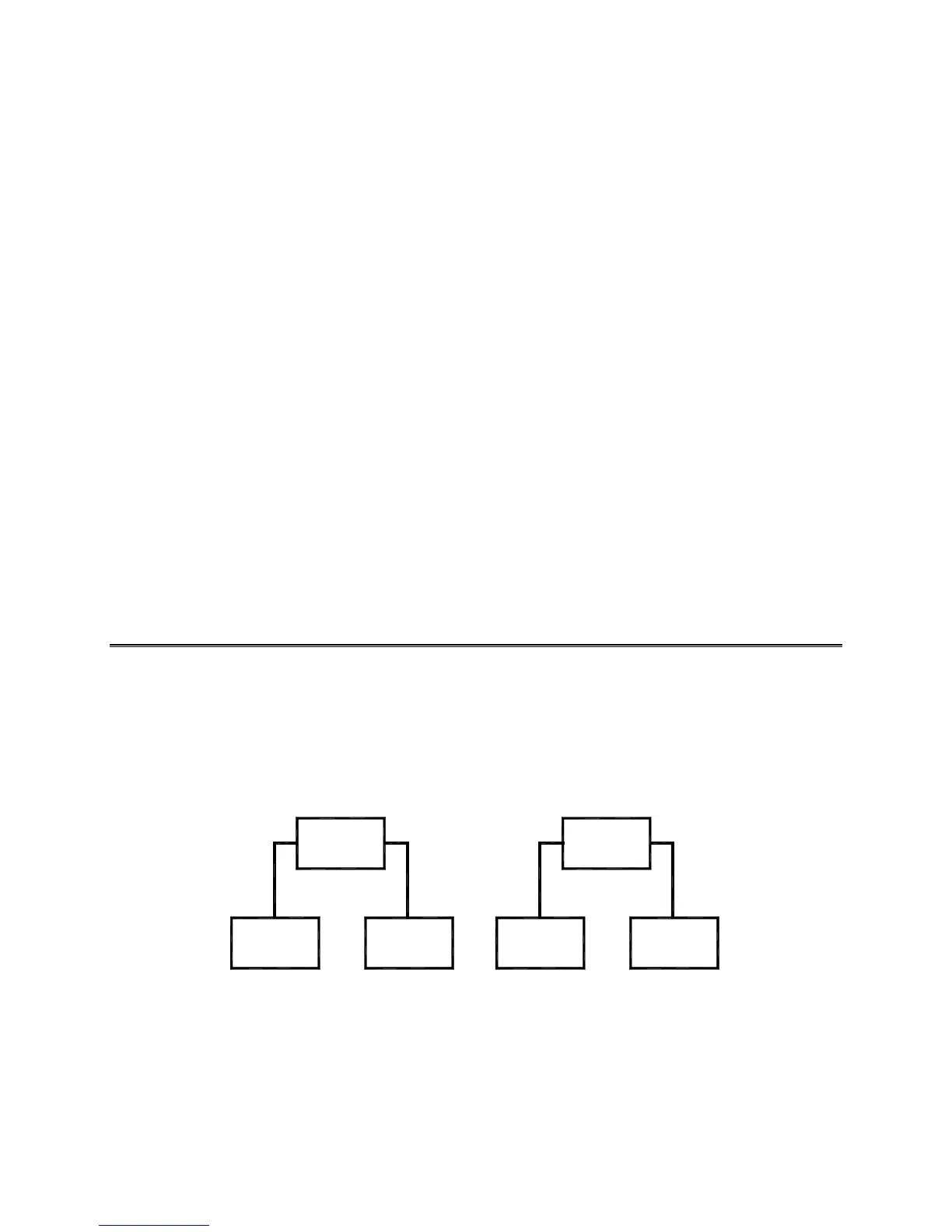
Coupler
Cabinet
1
Cabinet
2
Cabinet Cabinet
34
Coupler
Link Two Cabinets with a Coupler
•
TO LINK TWO CABINETS,
use a crossover coupler.
All cabinets contain a crossover coupler to
connect two cabinets together. Use only one coupler between each pair of cabinets. The coupler
employs passive electronics. Passive electronics limit the cable length and number of cabinets that
you can link. Most operations attach linked cabinets, but you can separate cabinets by up to 25 feet.
You can add linked cabinet pairs as necessary.












 To Next Page