1-8
Game
Network
Hub
12
Game Game
3
Game
4
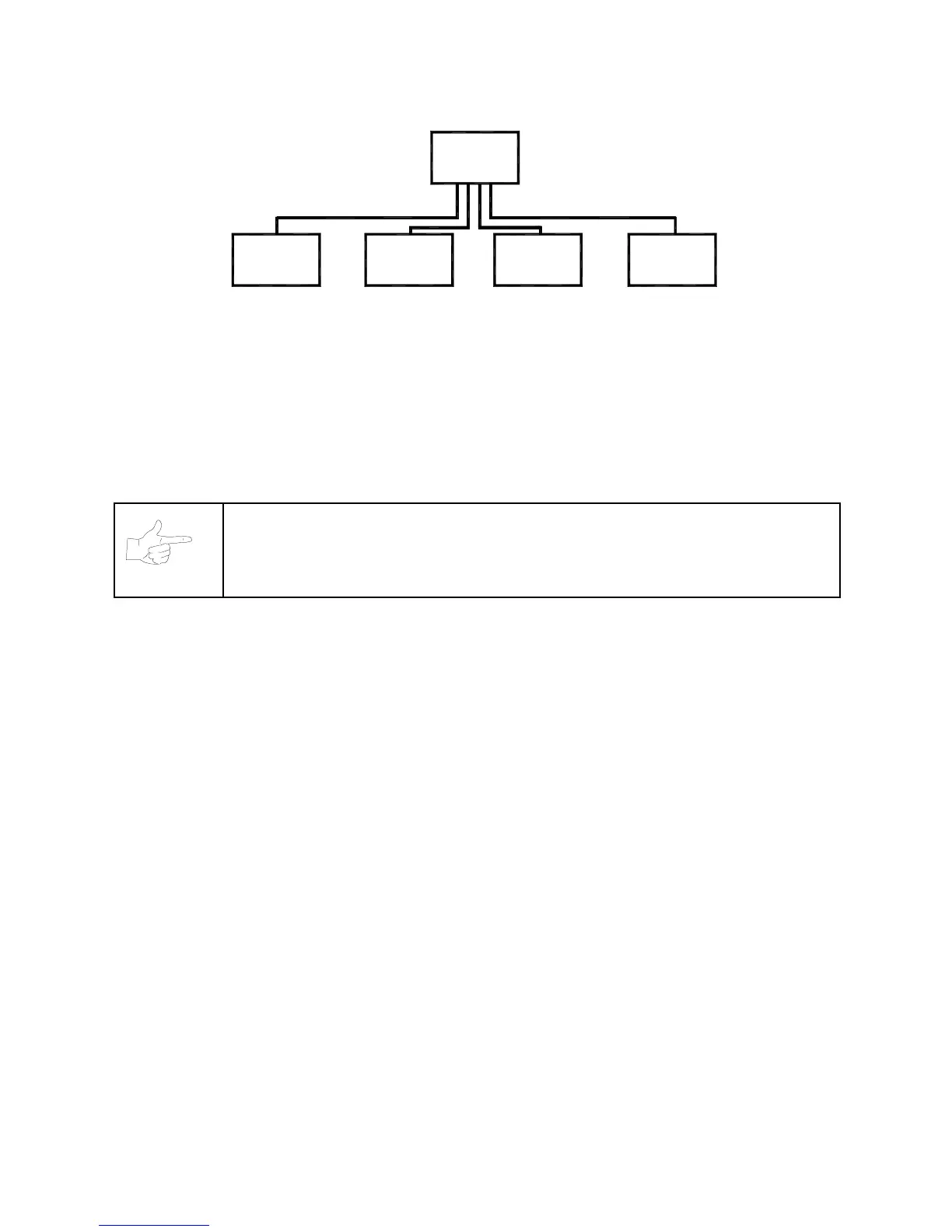
Link Up to Four Cabinets with a Hub
•
TO LINK MORE THAN TWO CABINETS,
use a network hub. Notice that the hub replaces the
coupler between cabinets. Each hub can connect several cabinets. In fact, the hub’s active electronics
permits use of large networks. You can add linked cabinets as necessary. The network hub’s active
circuits also allow you to use long cables. Most operations attach linked cabinets, but you can
separate cabinets by up to 300 feet.
•
THE DELUXE LINKING KIT (Model 25735)
contains a lighted, overhead sign and cabinet connector
brackets.
NOTICE:
You can’t link more than four cabinets.
Networking Pointers
•
Protect exposed wiring from player foot traffic, cleaning crews, service personnel, etc. Use approved
conduit or wire channels to support cables. Network modular connectors don't include strain relief.
•
Keep cables away from heat, moisture and electromagnetic fields. (Avoid neon signs, fluorescent
fixtures, two-way radios, cordless telephones, power circuits, speaker wiring, etc.).
•
Universal RJ-45 modular plugs aren't keyed, numbered, or coded. Clearly mark cabinet network
connections. Otherwise, someone could confuse them with computer or telephone circuits.
•
The factory supplies network cables with the cabinets. These cables will reach the hub in networks of
four or fewer cabinets.
•
Use only Category 5, twisted pair cable.
•
If you want to monitor network activity, you can locate the hub remotely. You can use long cables, if
they satisfy these requirements: (1) Cables must not exceed a length of 328 feet or 100 meters. (2)
Cables must be Category 3 (or higher), 100 ohm, unshielded, twisted pair, communications-grade
wiring. (3) You must not use standard telephone cables.












 To Next Page