Diagnostic, Audit & Adjustment Menu System 3-7
Operator Menu (continued)
Diagnostics Menu (continued)
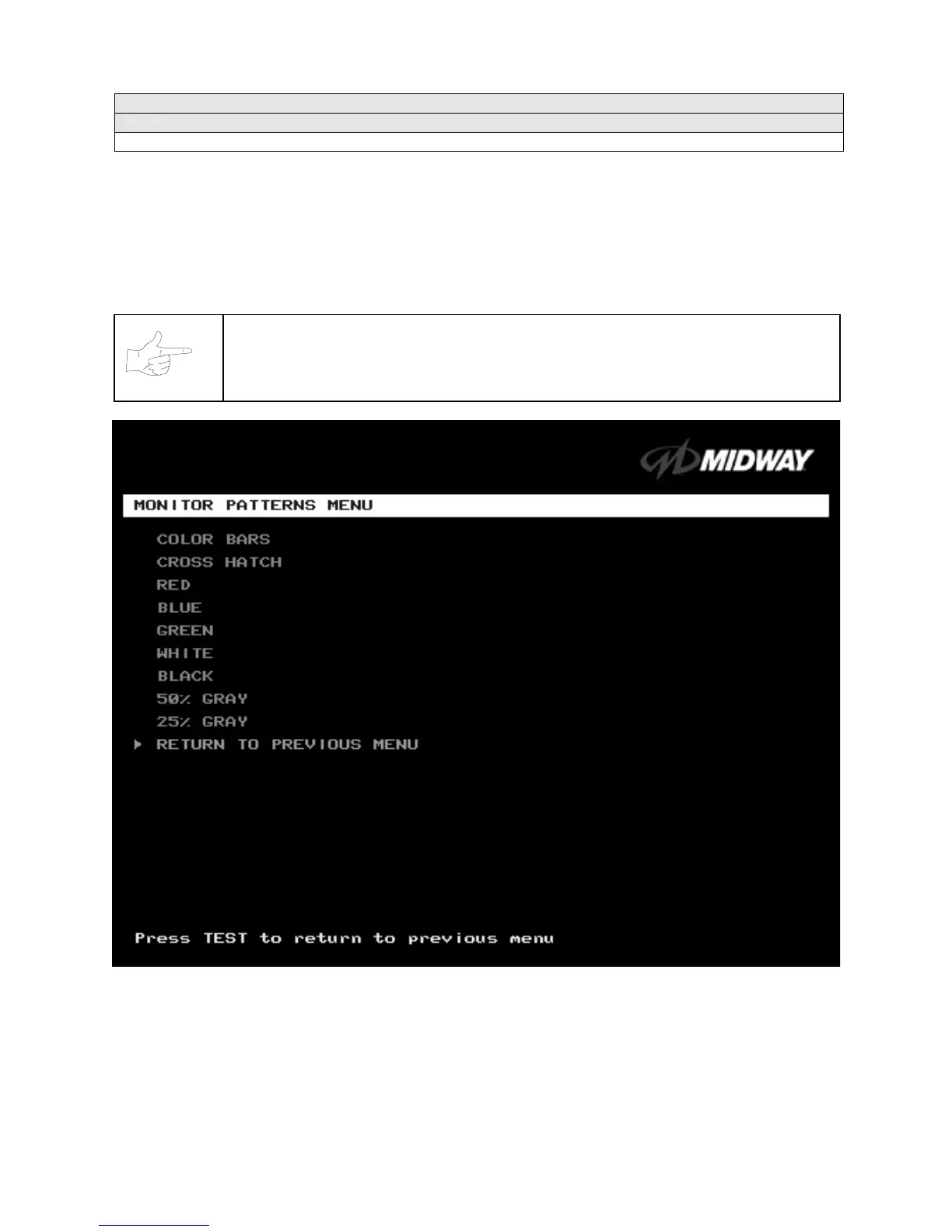
Monitor Patterns Menu
MONITOR PATTERNS TEST
Select MONITOR PATTERNS at the Diagnostics Menu. The Monitor Patterns routine provides test
screens to verify monitor performance or make adjustments.
Highlight a test with the middle two diagnostic buttons inside the coin door. Select the option with the
TEST MODE button.
NOTICE:
Use an industrial-grade degaussing coil before attempting monitor
adjustments.
MONITOR PATTERNS MENU
Color Bars
paint colored stripes on the screen. Use the color bars to help you to check or adjust monitor
brightness and contrast. The color bars also expose defects in horizontal linearity. Each color bar consists
of 16 intensity levels. On a properly adjusted monitor, the top 15 of these levels are visible. Each bar
should appear sharp, clear, and distinct from bars on either side. Incorrect adjustment can cause missing
detail at the top or bottom of a bar. Bent bars indicate horizontal linearity flaws, such as pie crust,
pincushion or barrel distortion. (Correct color bar colors, left to right: Green, Red, Blue, Black, White,












 To Next Page