Diagnostic, Audit & Adjustment Menu System 3-19
Operator Menu (continued)
Adjustments Menu (continued)
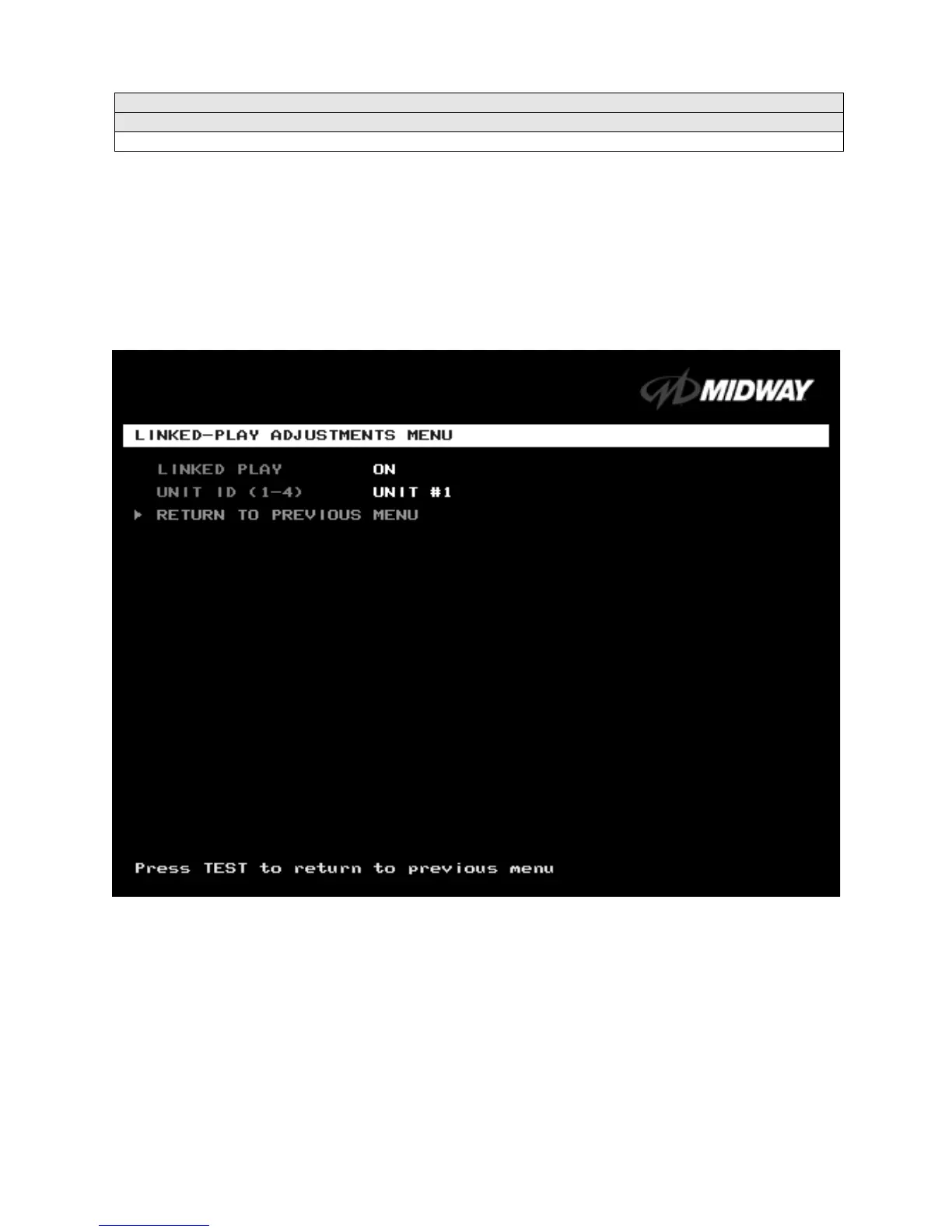
Linked-Play Adjustments Menu
LINKED PLAY ADJUSTMENTS MENU
Select LINKED PLAY ADJUSTMENTS MENU at the Adjustments Menu.
The Linked Play Adjustments
Menu allows you to set the game cabinet network identity. After you cable the linked cabinets, use this
menu to set up linked play.
Highlight an option with the middle two diagnostic buttons inside the coin door. Press TEST MODE to
enter Change Mode. Use the diagnostic switches to change the variable. Then press TEST MODE to save
changes and exit the variable.
LINKED-PLAY ADJUSTMENTS MENU
Before proceeding, bring up the Linked Play Adjustments Menu on all linked cabinets.
LINKED PLAY.
After you link a cabinet to other games, turn on LINKED PLAY. Now game electronics can
communicate with other cabinets. To prohibit linked play, turn off the feature. The factory default is off.
UNIT ID
determines the game’s address. Each linked game must have a unique number. Never use the
same address for two cabinets. Sequence isn’t important. The factory default ID is 1.
REINITIALIZE.
After selecting the ID, exit the Menu System. Shut down each linked cabinet for one
minute. (Leave the computers switched on.) Then restore power to all cabinets. The cabinets should
initialize in Linked Mode. Verify linked operation by playing some linked games.
FREE PLAY
LINKED PLAY ENABLED
UNIT ID (1-4): 1












 To Next Page