Wiring & Circuit Information 4-8
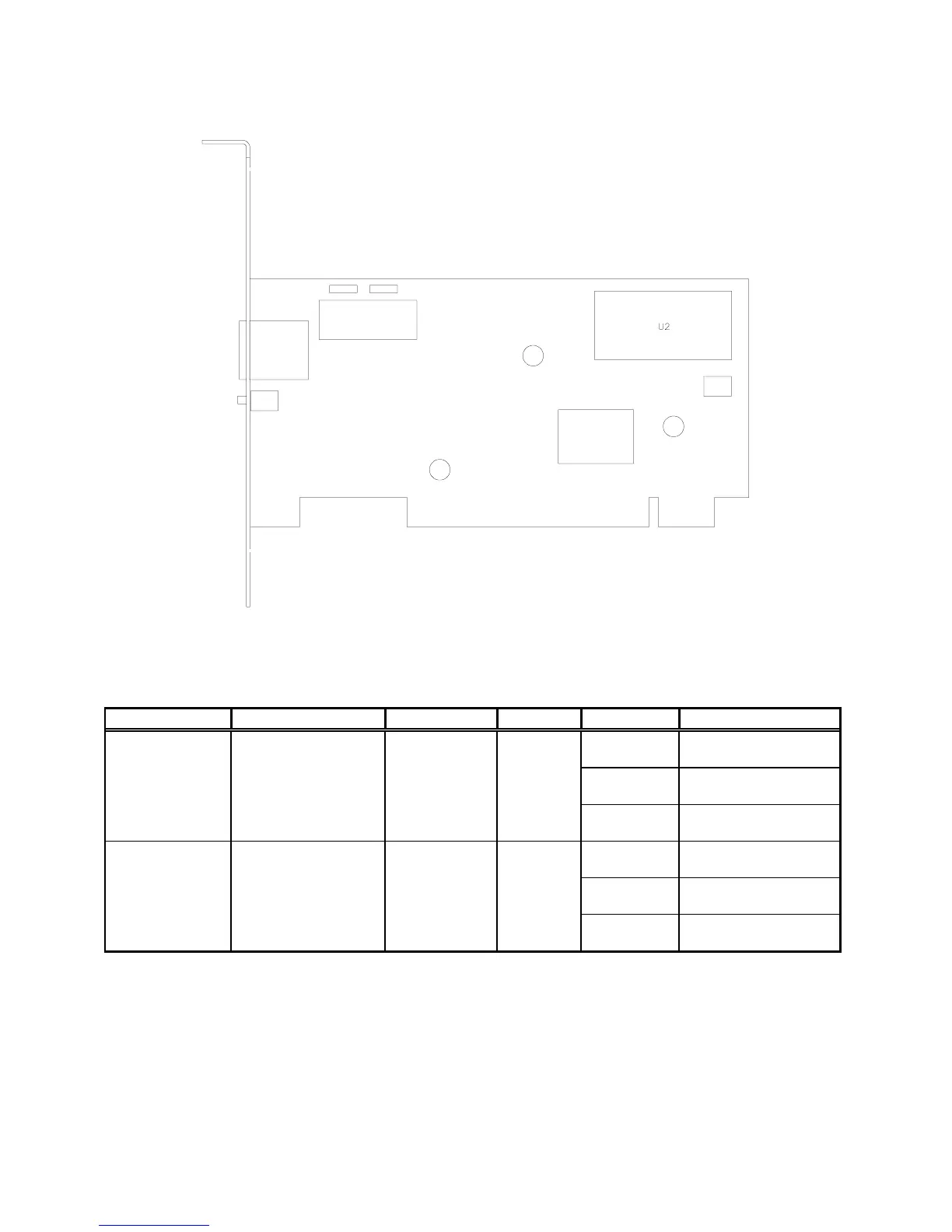
Network Interface Board Assembly 20-10550
Network Interface LED Indicator Table
Designation Location Function Color State Meaning
LED 1
(LNK)
Left Center
Under Jack
Link Verify
Indicator
Green Off Not In Use
(No Game Link)
On Normal
Operation
Blinking Link Fault
(Note 1)
LED 2
(ACT)
Right Center
Under Jack
Activity
Indicator
Green Off Not In Use
(No Data)
On Receiving Data
(Note 2)
Blinking Normal
Operation
Notes:
1. Intermittent cable or hub problems may cause blinking. Blinking must be continuous during linked
operation.
2. Blinks during data packet exchange. Blinking may appear continuous during heavy network activity.












 To Next Page