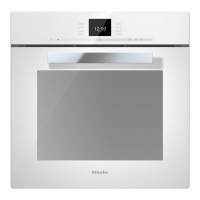
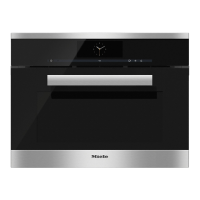
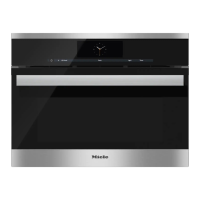
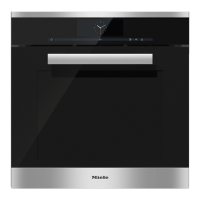
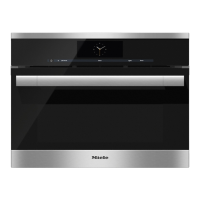
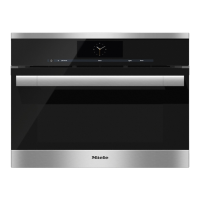
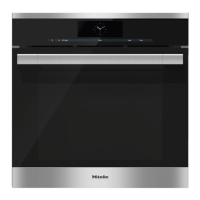
Controls
22
Display
The display is used for showing the time of day or information about functions,
temperatures, cooking durations, automatic programmes, user programmes and
settings.
Information or a list of options will appear in the display depending on the function
selected and/or by touching the sensor.
After switching the steam oven on with the On/Off sensor you will be prompted
to Select function.
If you have not selected a function, the settings option list will appear in the
display when you touch the sensor.
If a function has been selected (except for Automatic programmes) and the
settings have been entered for the cooking programme, the list of options for that
cooking programme will appear when you touch the sensor.
To select an option, scroll through the list with the rotary selector until the
option you want is highlighted.
Then confirm the selection with OK.


 To Next Page