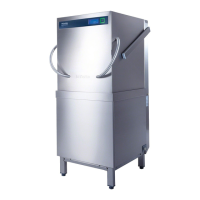
Guide to the machine
8
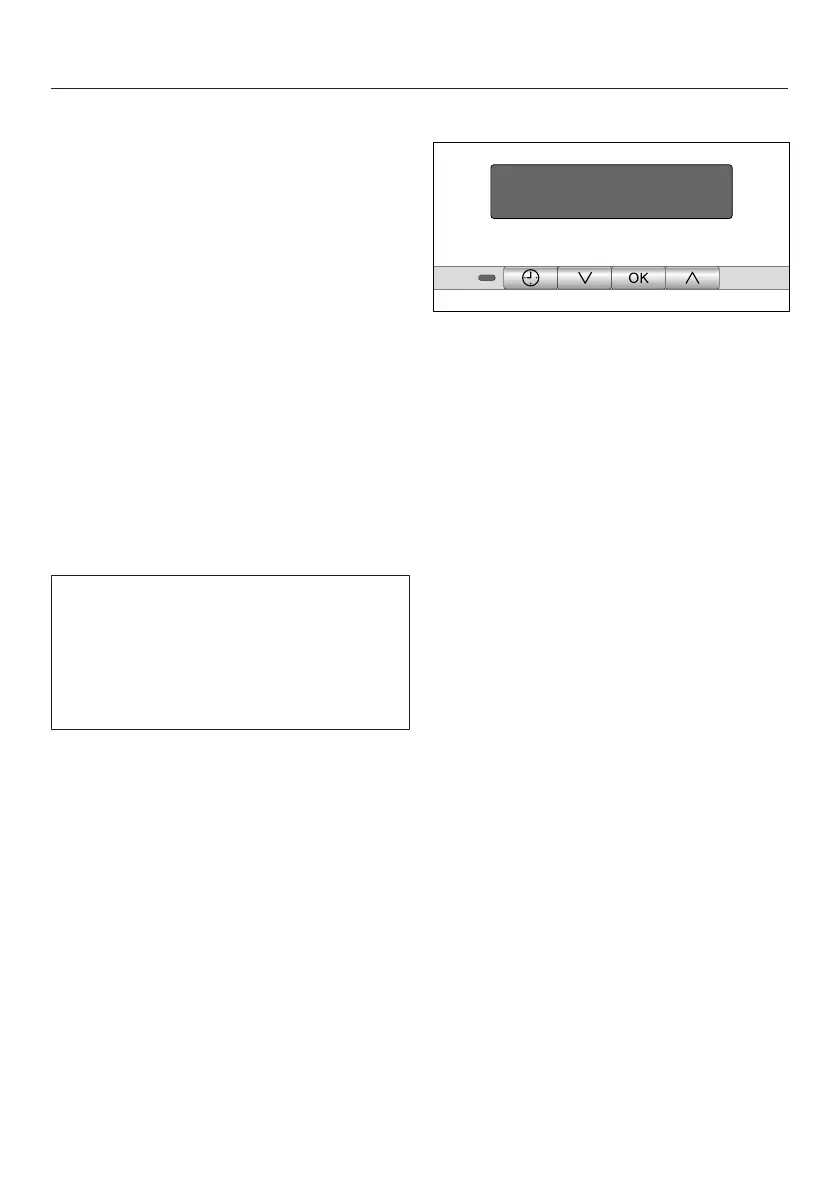
Display functions
General information
The display is used to select or set the
following:
– The program
– The FlexiTimer (Delay start)
– The Settings menu
The display can show the following:
– The current time of day
– The program stage
– The estimated time left for the
program to run
– Any relevant fault messages and
information
To save energy, the dishwasher
switches off after a few minutes if you
do not press any buttons during this
time.
Press the button to switch the
dishwasher back on.
Settings menu
The Settings menu is used to change
different configurations within the
dishwasher. The Settings menu is
accessed by pressing the button.
The arrows on the display indicate that
further options are available for
selection. You can use the arrow
buttons next to the display to select
further options as appropriate.
The OK button is used to confirm a
message or setting and also to move to
the next menu or another level.
The option which is selected will have a
check next to it.
To exit a sub-menu, use the arrow
buttons to select the Back option and
confirm with OK.
While setting the time, no buttons are
pressed for a few seconds, the display
will revert to the previous menu. You will
then have to enter your settings again.



 To Next Page