Commissioning
26
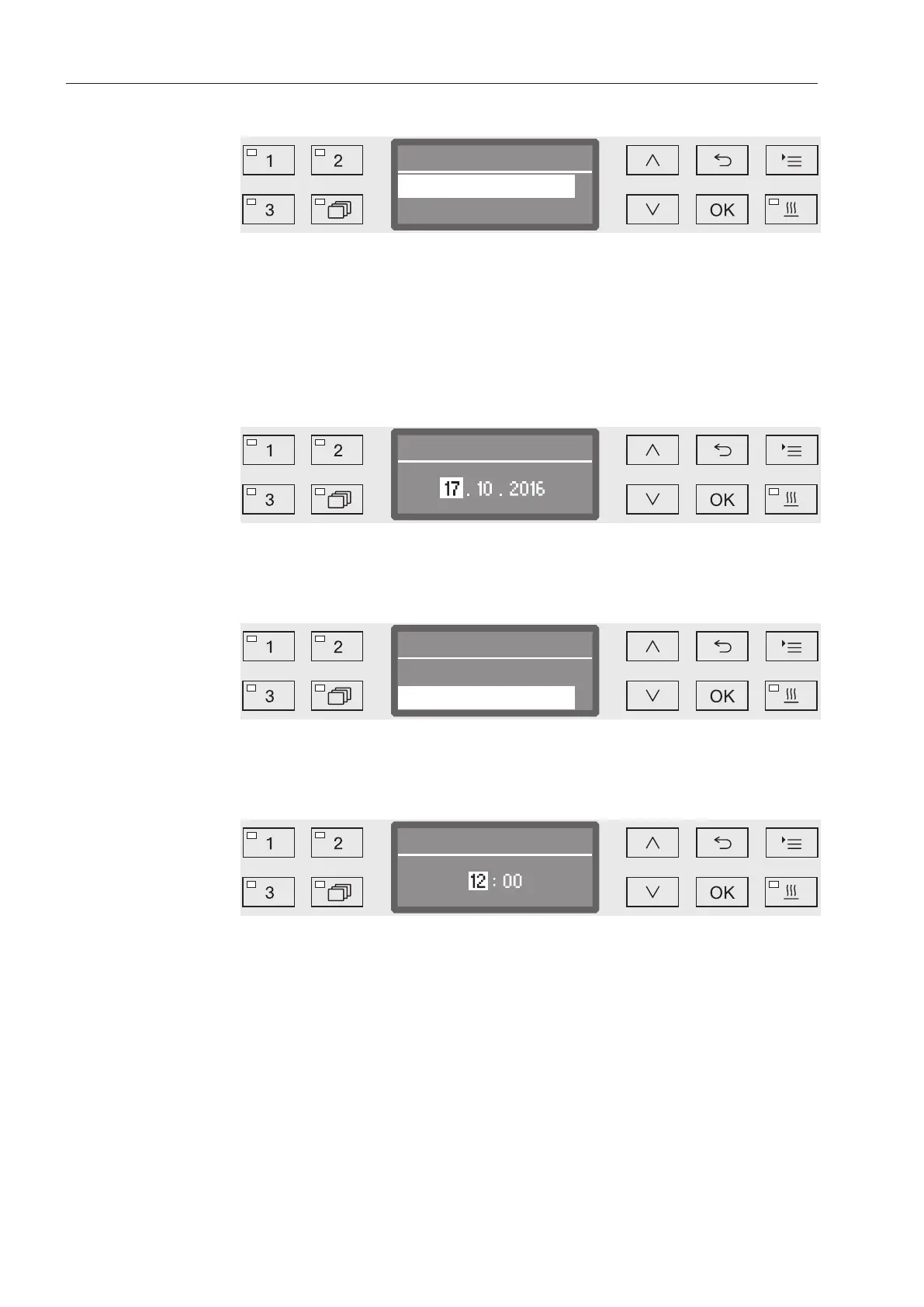
Select the
date format
The menu for selecting the date format will then appear.
Date format
DD:MM:YY
MM:DD:YY
- DD = Day
- MM = Month
- YY = Year
Use the and arrow buttons to select the date format you want
and touch OK to save.
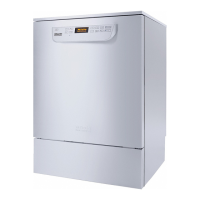
Set the date
The menu for setting the date will then appear.
Use the and arrow buttons to set the day, month and year and
touch OK to save each one.
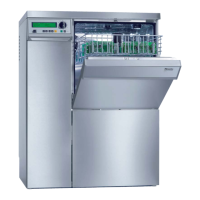
Select
Clock display
The menu for selecting the clock format will then appear.
Use the and arrow buttons to select the format you want and
touch OK to save.
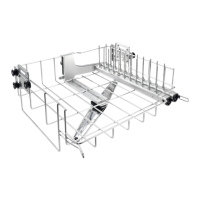
Set the time of
day
The menu for setting the display for the time of day will then appear.
Use the and arrow buttons to select the hours and minutes
and touch OK to save each one.


 To Next Page