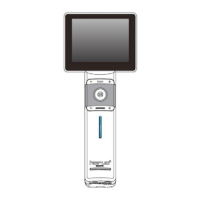
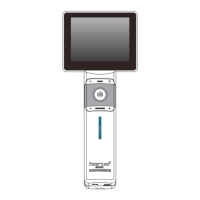
-32-
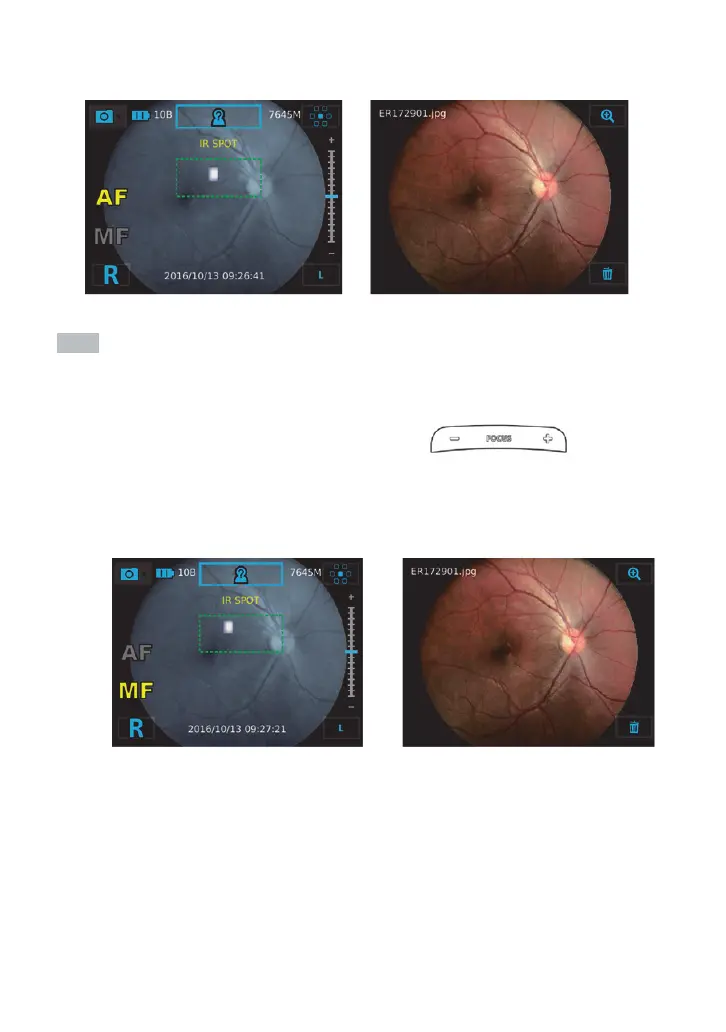
When user moves IR spot into this frame, auto-shooting will be trigger and a picture will be captured
automatically.
Notes
If it’s diĸcult to activate auto-shooting, there are 2 options:
1. Completely press OK button to take a photo.
2. By using focus-adj
ustment buttons of the control unit, it is switched to
manual focus mode. After optimizing an image via focus-adjustment buttons, completely
press OK button to take a photo.

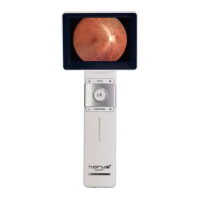

 To Next Page