-36-
Video mode
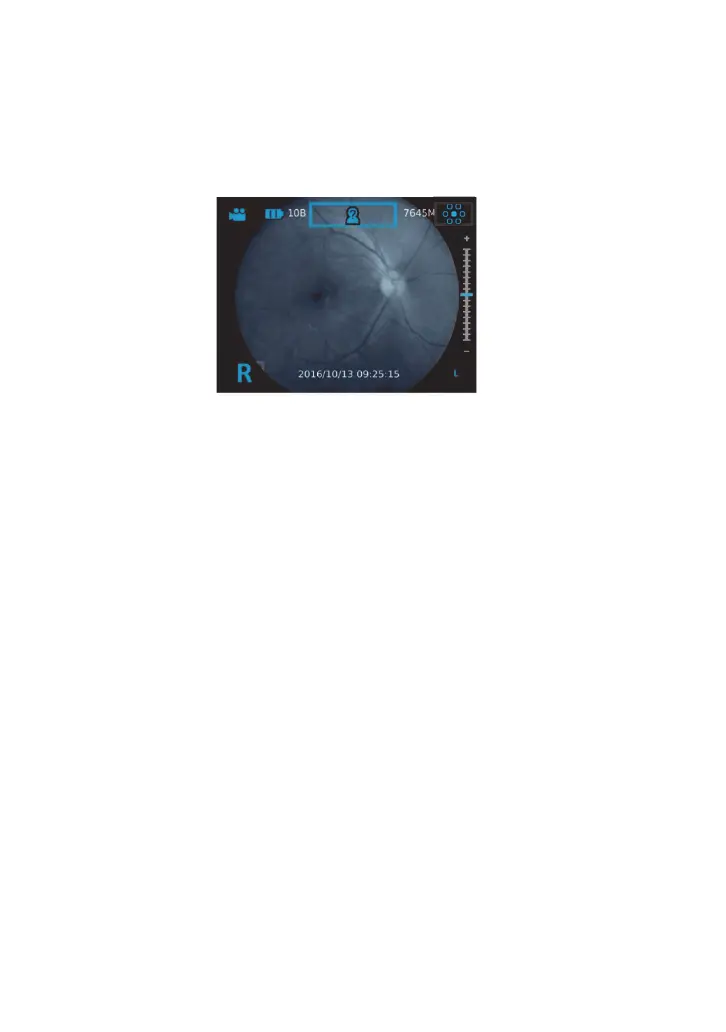
Video mode: Completely press the OK button to start recording. Press again to end record-
ing. For DEC 200, the default setting of “Aiming Light/Capture Light” is “IR/White LED.” During
the video shooting, user can press “the brightness adjustment key +” to enhance the white
LED for two seconds. It helps capture brighter motion pictures within a video.
NOTE
When
recording videos, please do not remove or insert the SD card and delete pictures,
otherwise the system will be abnormal.


 To Next Page