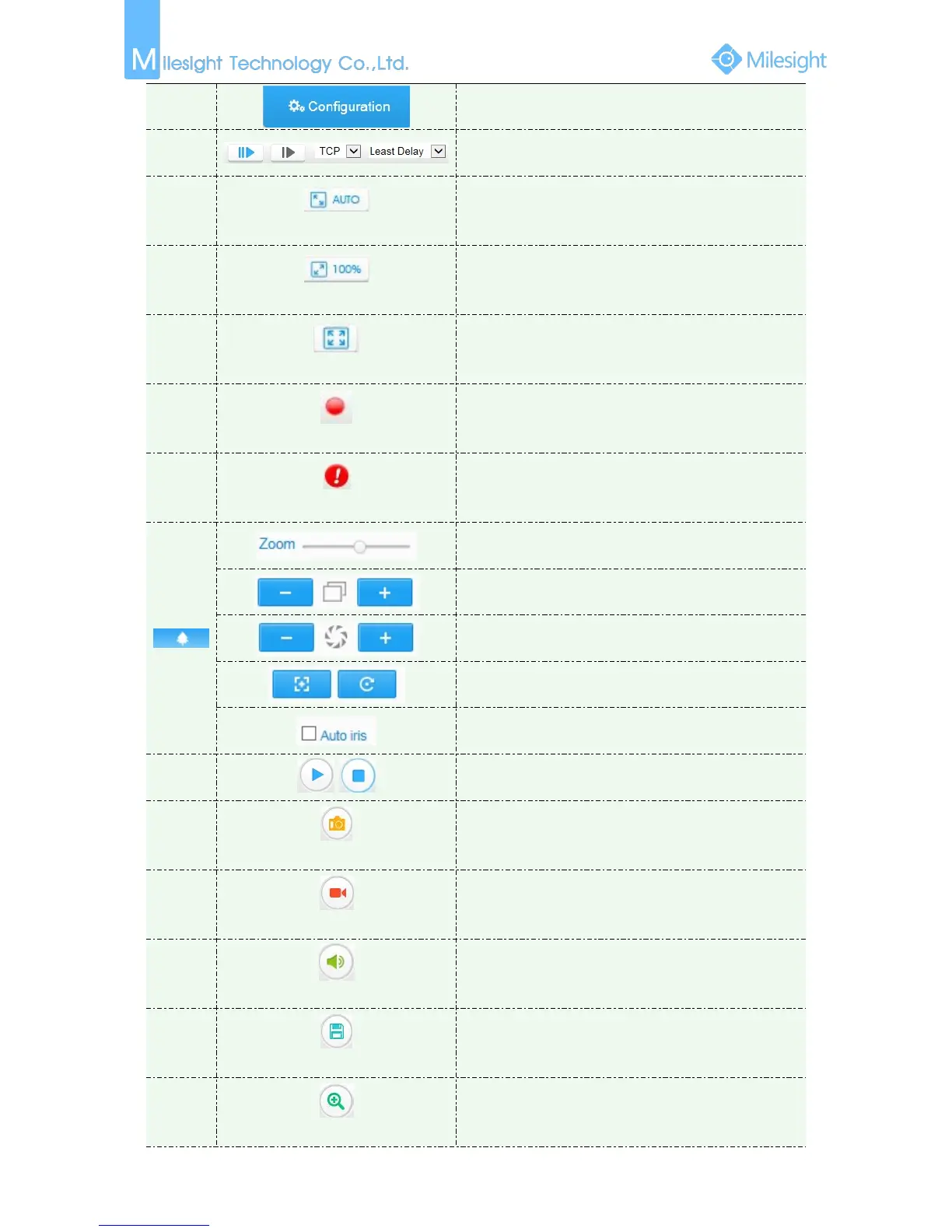
Click to access the configuration page
Choose the Stream to show on the current video
window
Click to display images at a window size
Click to display images at a real size
Click to display images at full-screen
When recording, the icon will turn red
When an alarm causes recording, the icon will turn red
Adjust the Zoom length of the lens
Auxiliary Focus and Lens Initialization
Adjust iris automatically if check this box
Click to capture the current image and save to the
configured path. The default path is
C:VMS\+-1\ IMAGE-MANUAL
Click to start recording video and save to the configured
path. The default path is C:VMS\+-1\MS_Record. Click
again to stop recording
Enable Audio Input/Output. It can also be set in Audio
configuration page
Set the saving path for captured images and video
recordings
When enabled, you can zoom in in a specific area of
video image with your mouse wheel











 To Next Page