4.4.2 Network
There are more several modules in Advanced Settings than those in Basic Settings. The same parts
will not repeat again. Please refer to 4.3.2 if you are in need.
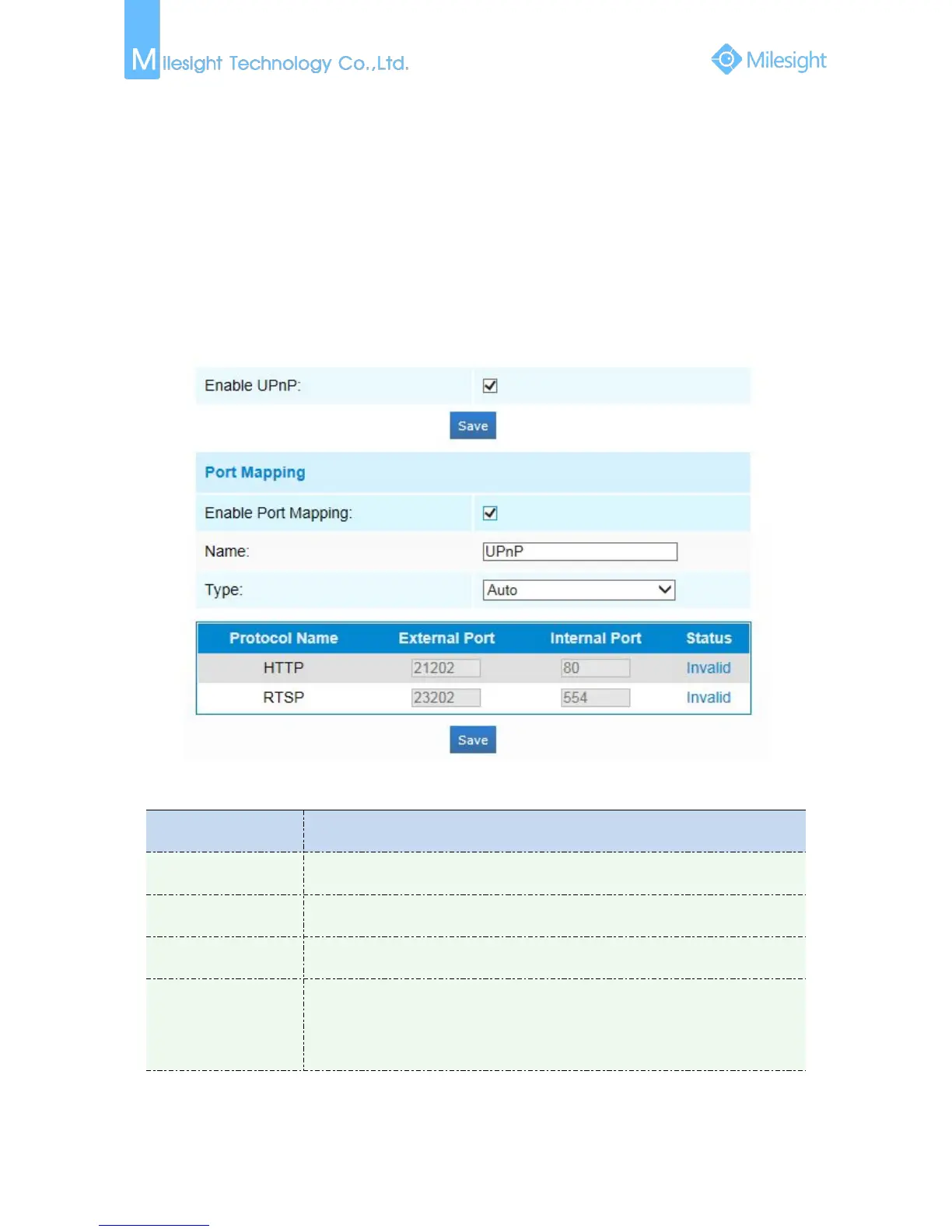
UPnP
Universal Plug and Play (UPnP) is a networking architecture that provides compatibility among
networking equipment, software and other hardware devices.The UPnP protocol allows devices to
connect seamlessly and to simplify the implementation of networks in the home and corporate
environments. With the function enabled, you don’t need to configure the port mapping for each
port, and the camera is connected to the Wide Area Network via the router.
Figure 4-4-3 UPnP
Table 4-4-3 Description of the buttons
Auto: Automatically obtain the corresponding HTTP and RTSP port, without any
settings
Manual: Need to manually set the appropriate HTTP port and RTSP Port. When
choose Manual, you can customize the value of the port number by yourself











 To Next Page