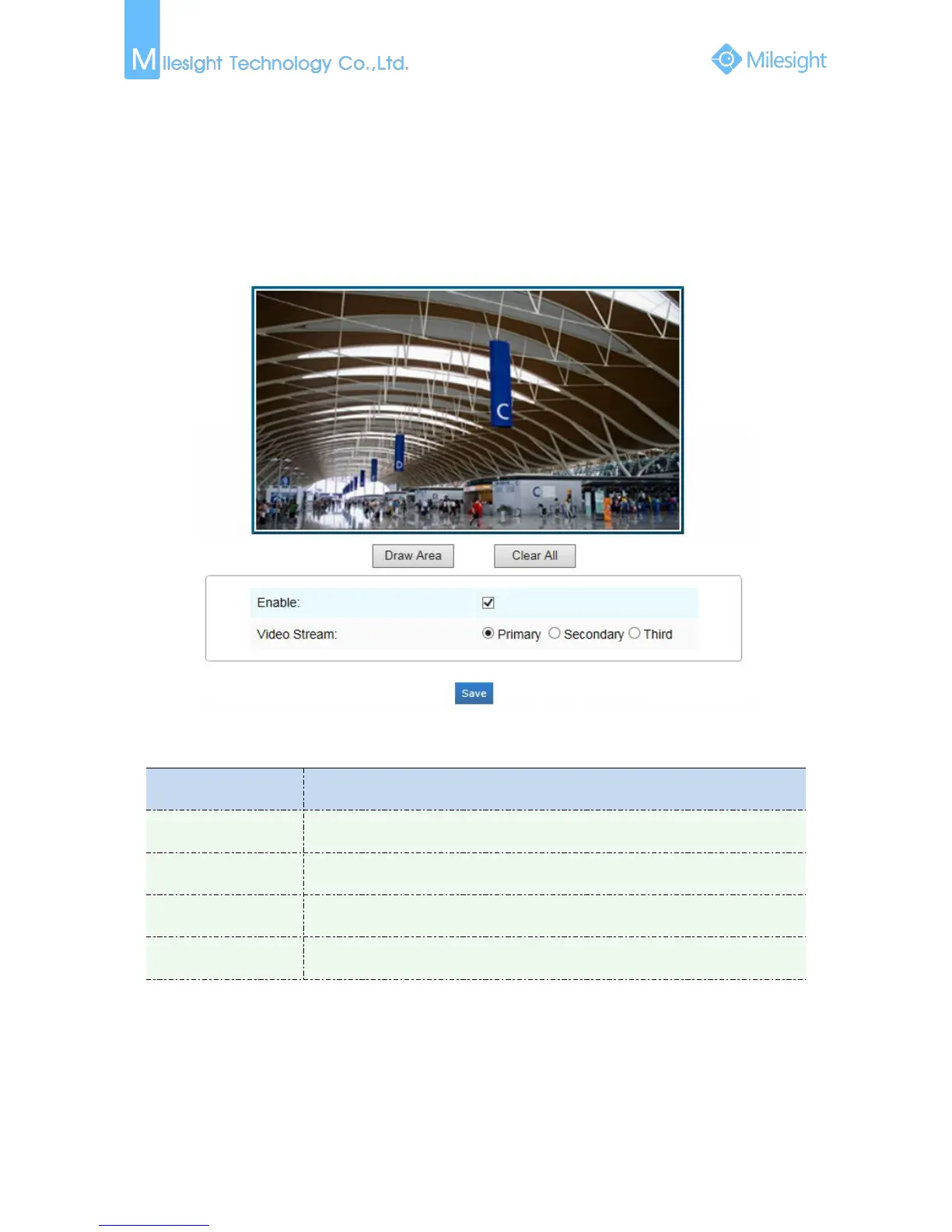
ROI
A region of interest(often abbreviated ROI), is a selected subset of samples within a dataset
identified for a particular purpose. Users can select up to 3 key regions of a scene to transmit as
separate streams for targeted preview and recording.
By using Milesight ROI technology, more than 50% of bit rate can be saved and therefore less
bandwidth demanded and the storage usage reduced. So according to this, you can set a small bit
rate for high resolution.
Figure 4-4-2 ROI
Table 4-4-2 Description of the buttons











 To Next Page